Appearance
Settings
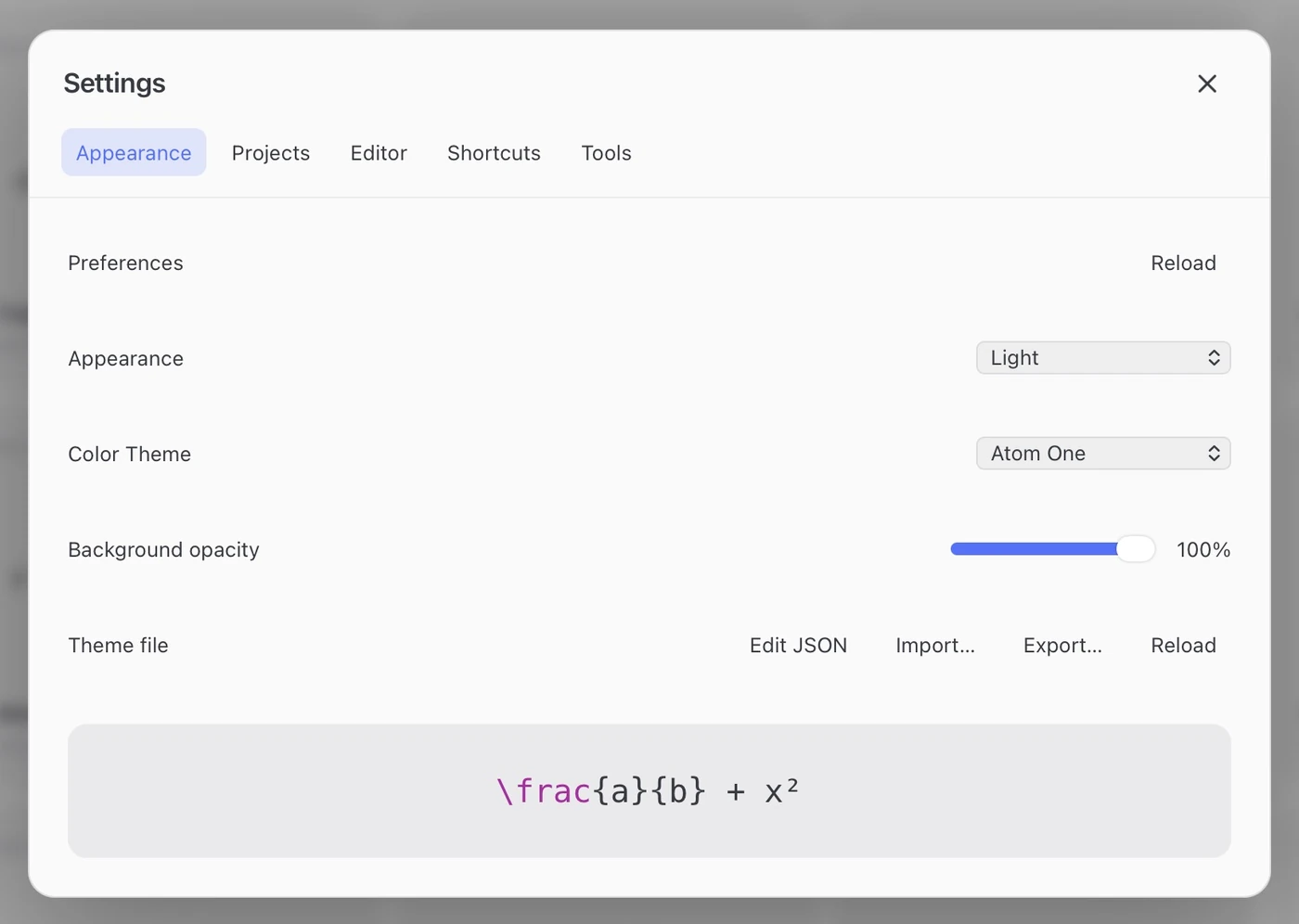
Open Settings → Appearance.
| Control | Changes |
|---|---|
| Appearance | System, Light or Dark mode |
| Color Theme | The palette, such as Default, Atom One or Catppuccin |
| Background opacity | Background transparency; text and equations stay opaque |
These settings affect the app window. See Output color to change exported artwork.
Keep equations beside your slides
Always on Top (⇧⌘P) pins the window above other apps. Combine it with Background opacity to keep FerMatter beside your presentation.
Theme files
Under Settings → Appearance → Theme file, Edit JSON / Reload / Import… / Export… manages theme.json. Export custom colors before switching themes; Default restores the built-in palette. Keyboard assignments use a separate shortcut file.
Color themes
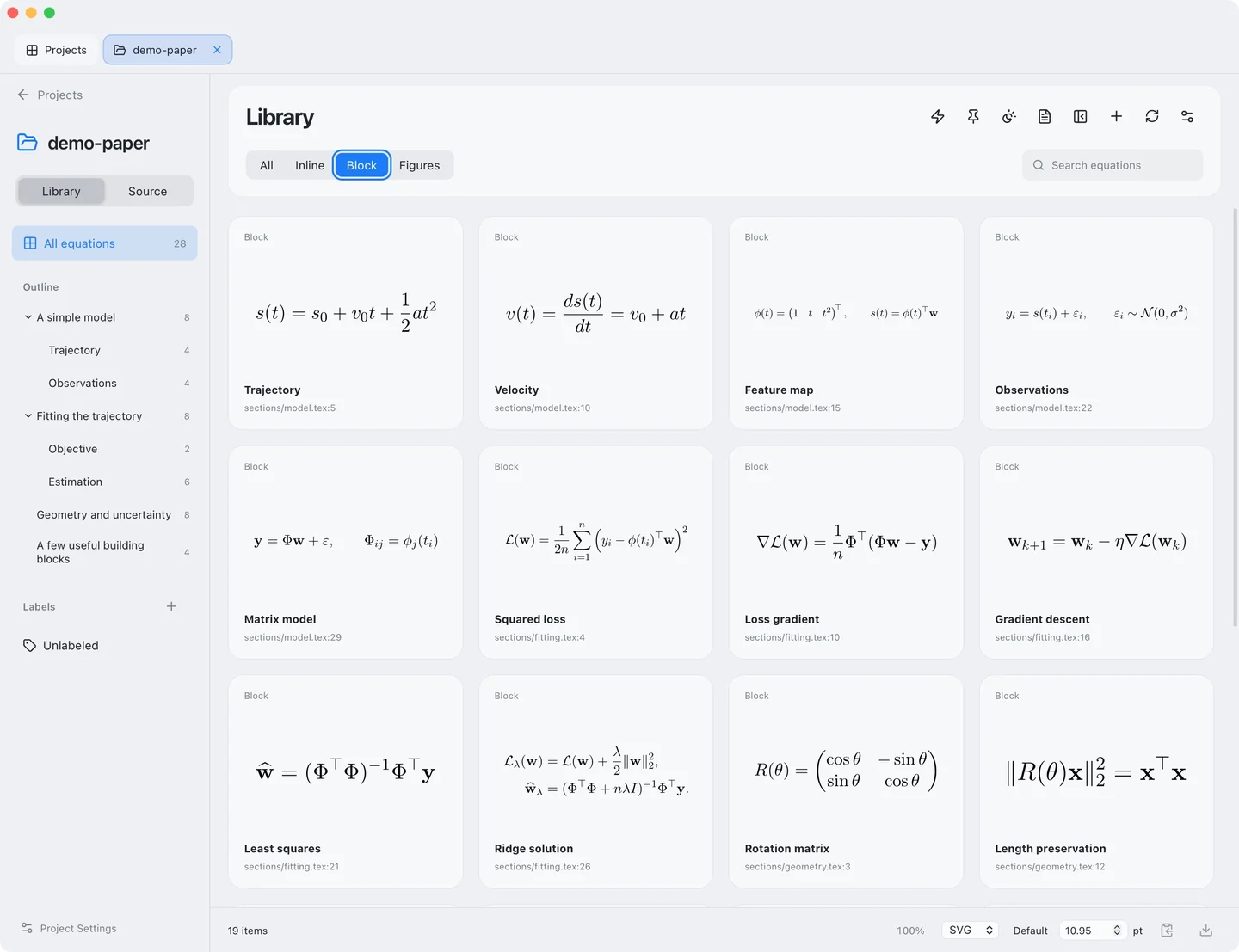
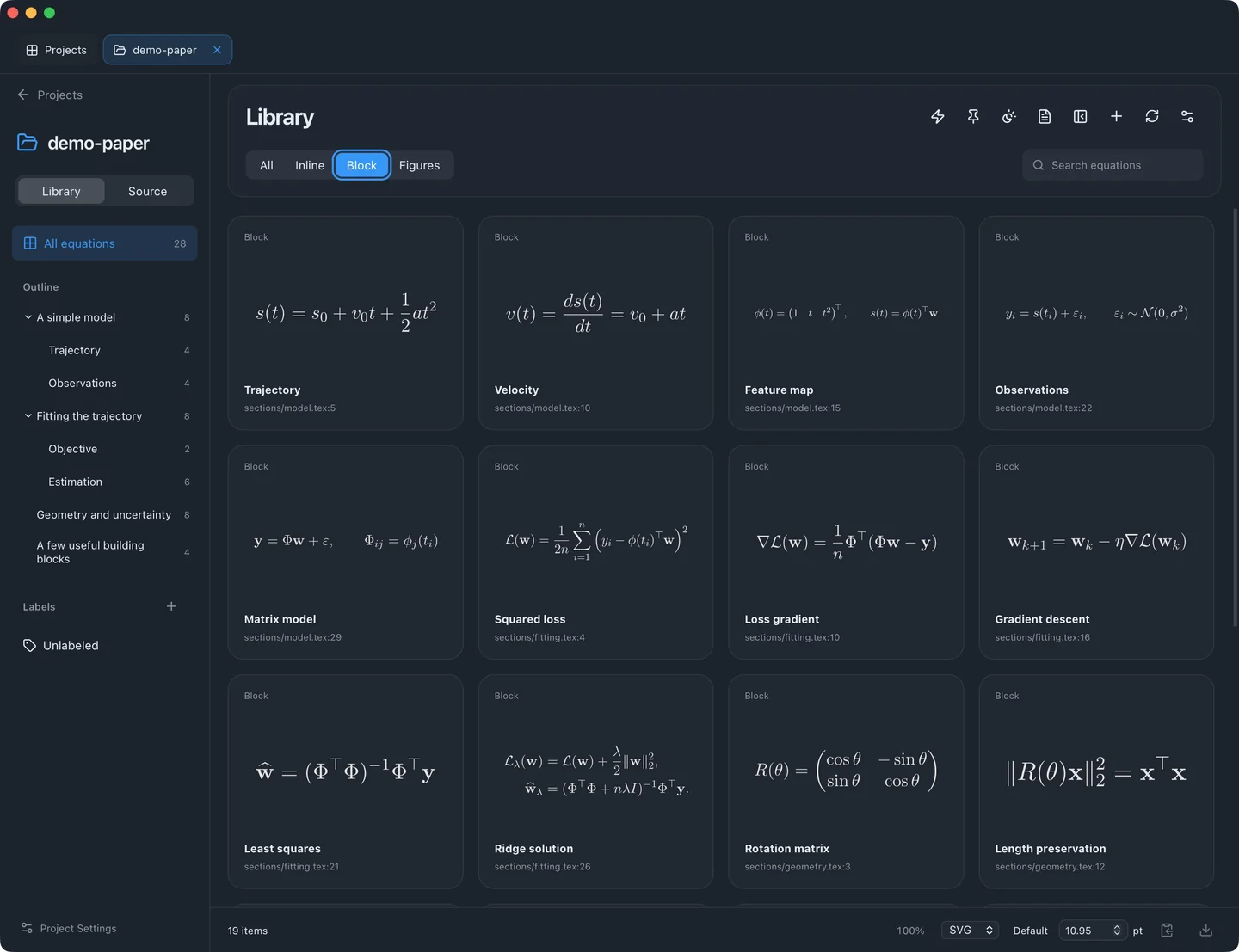
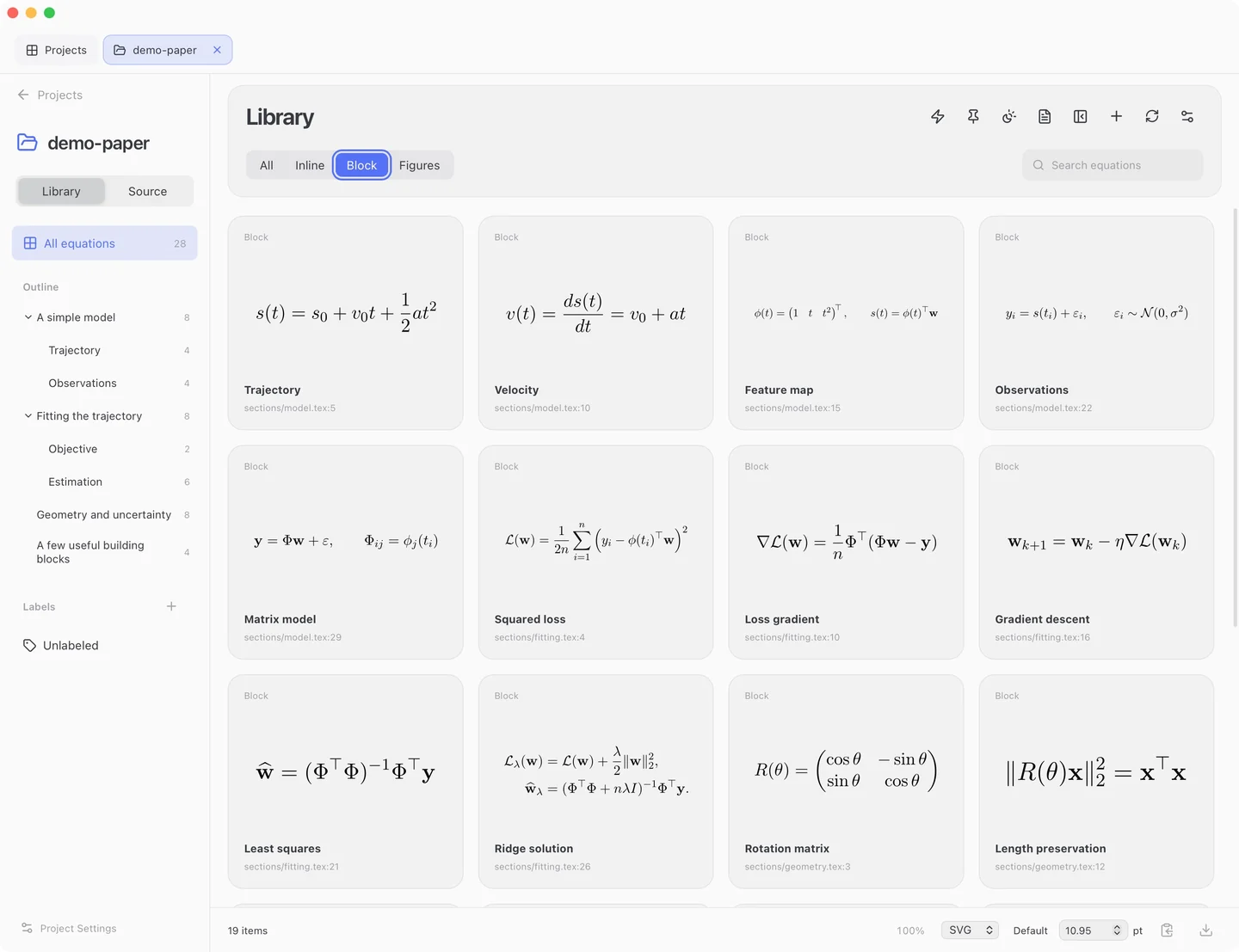
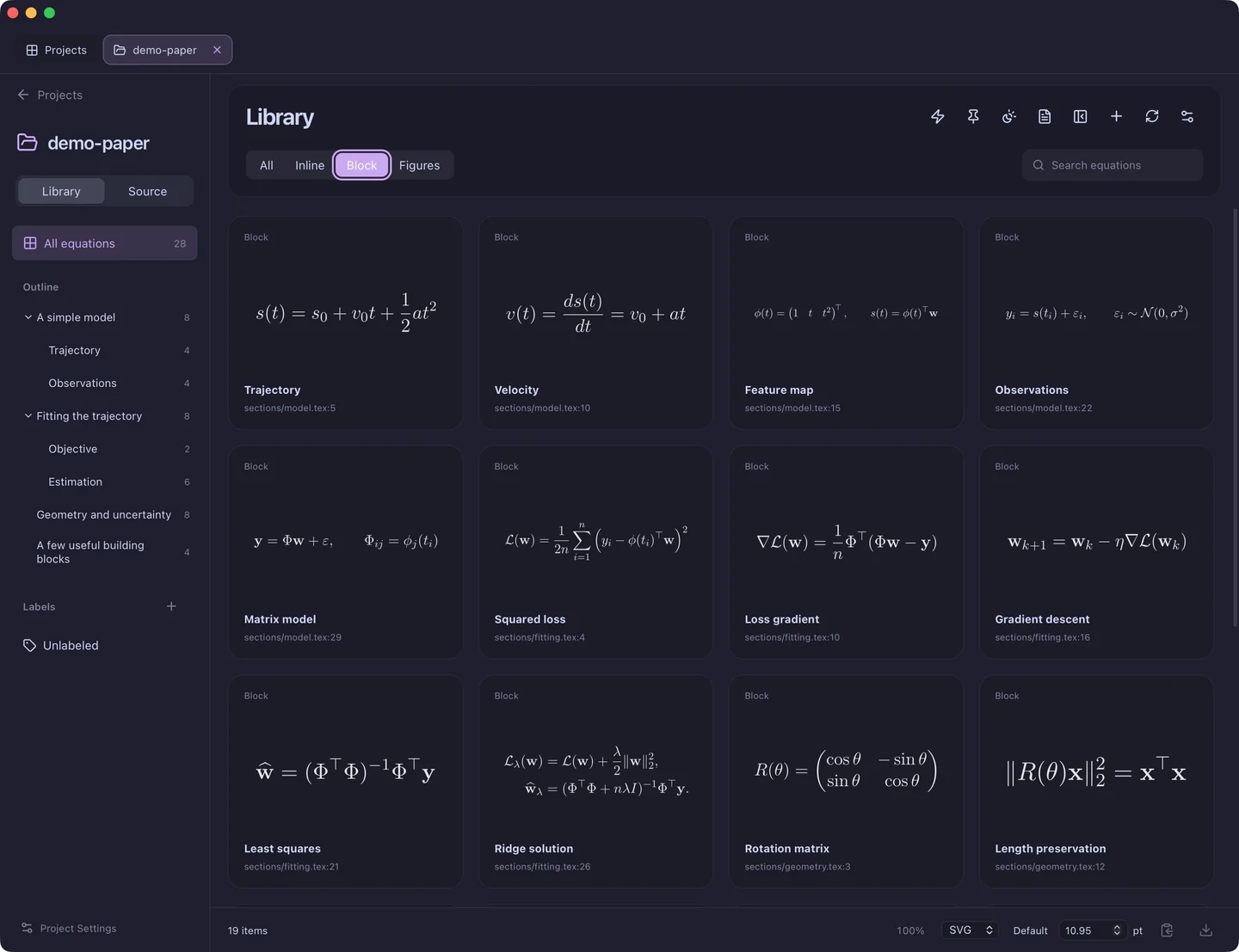
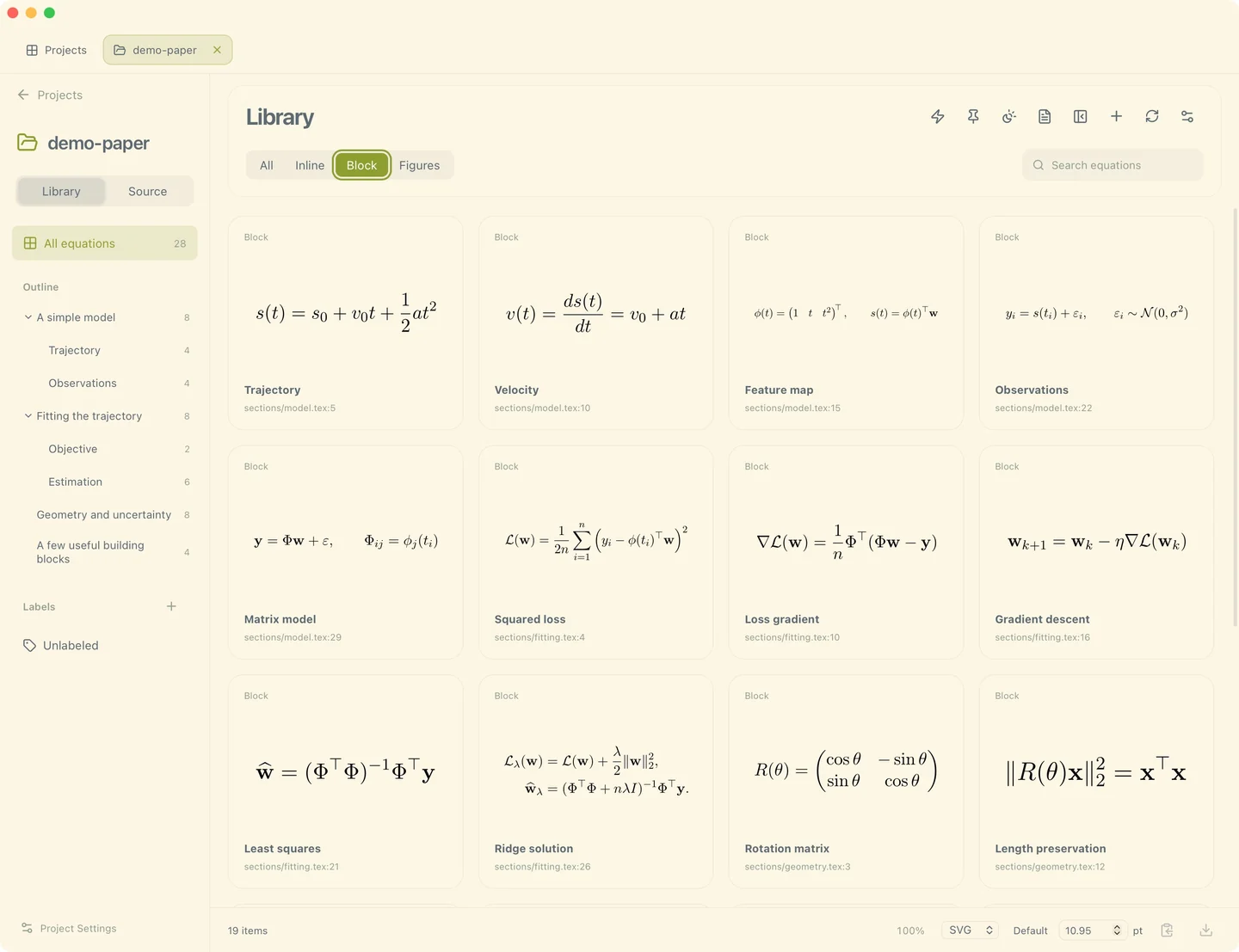
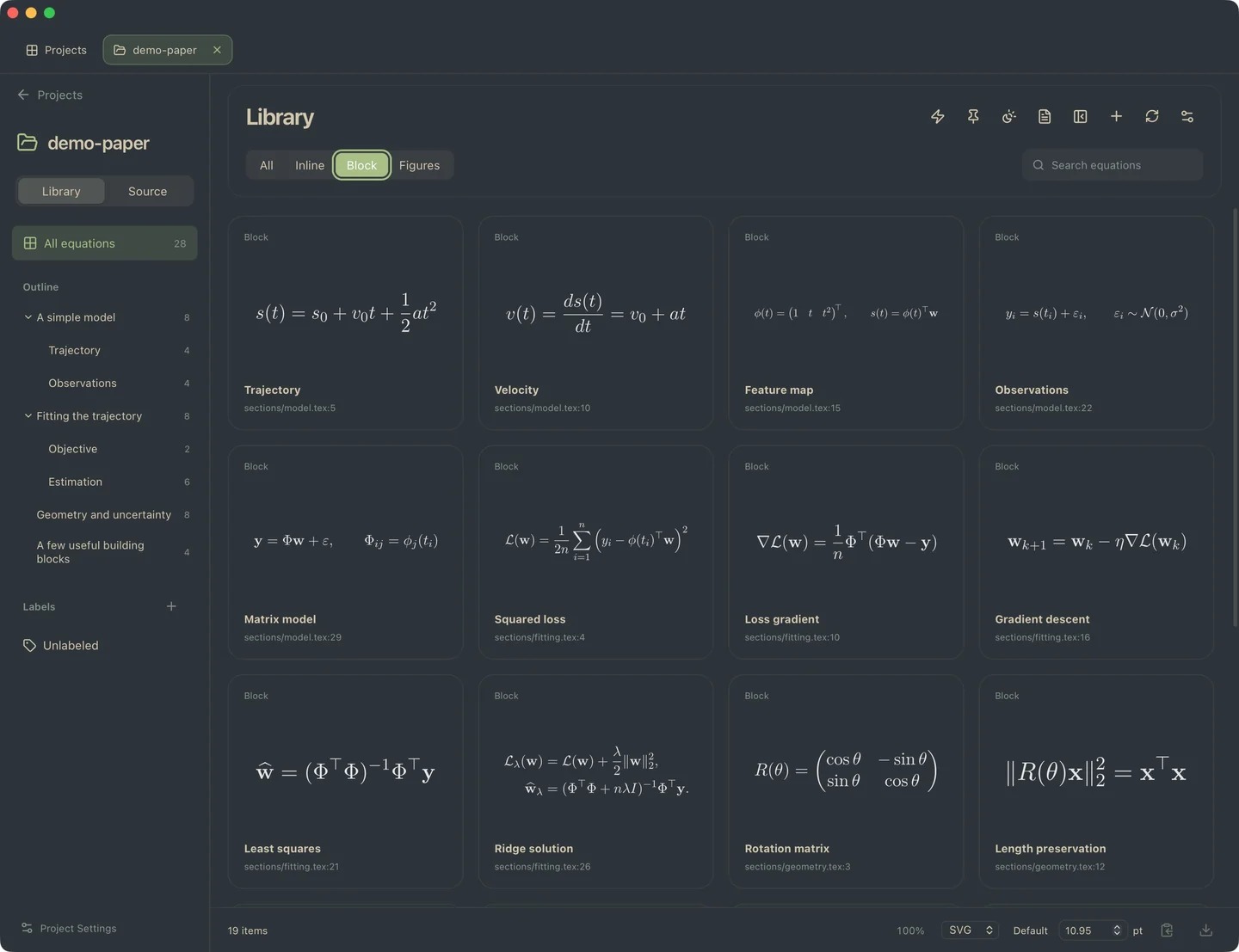
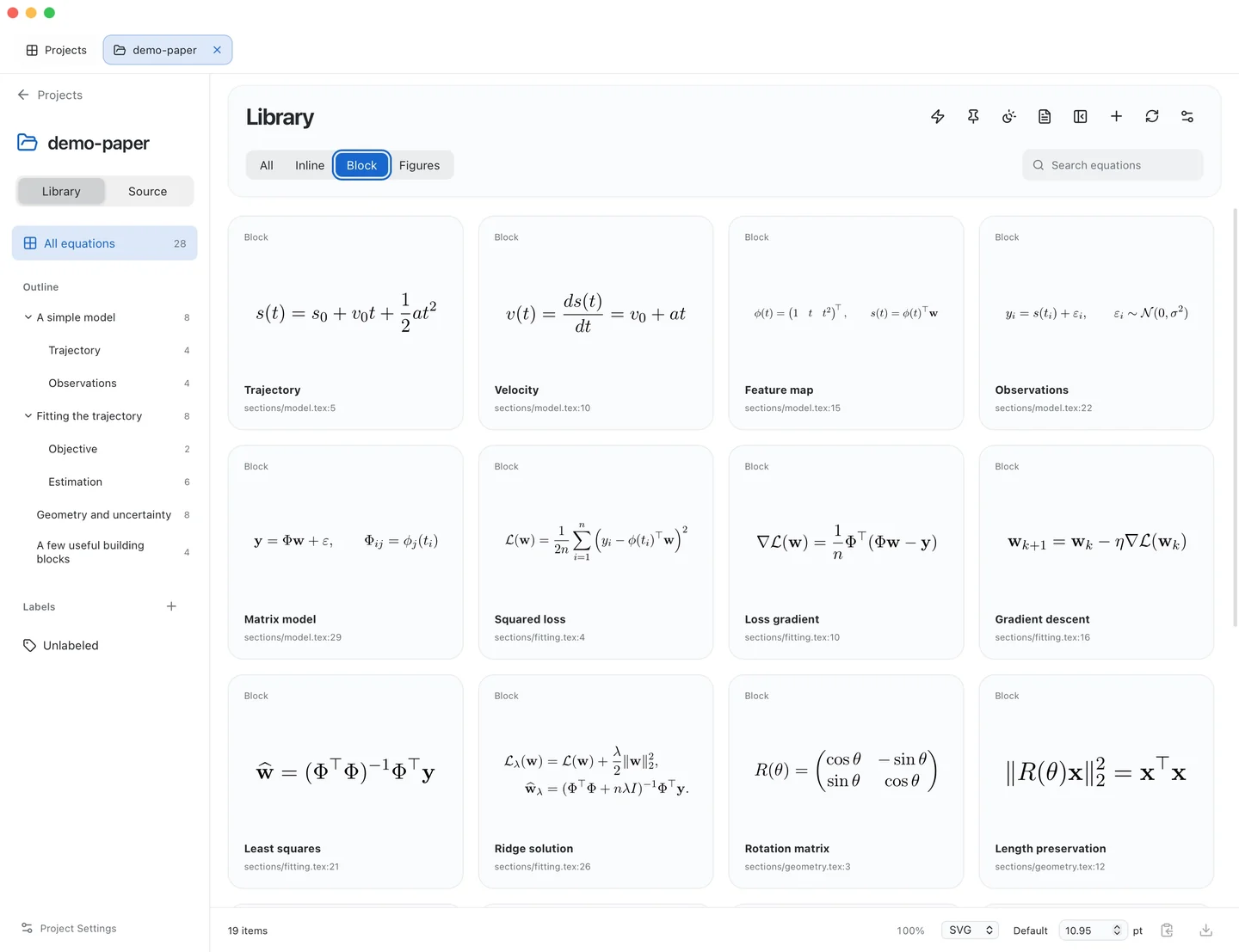
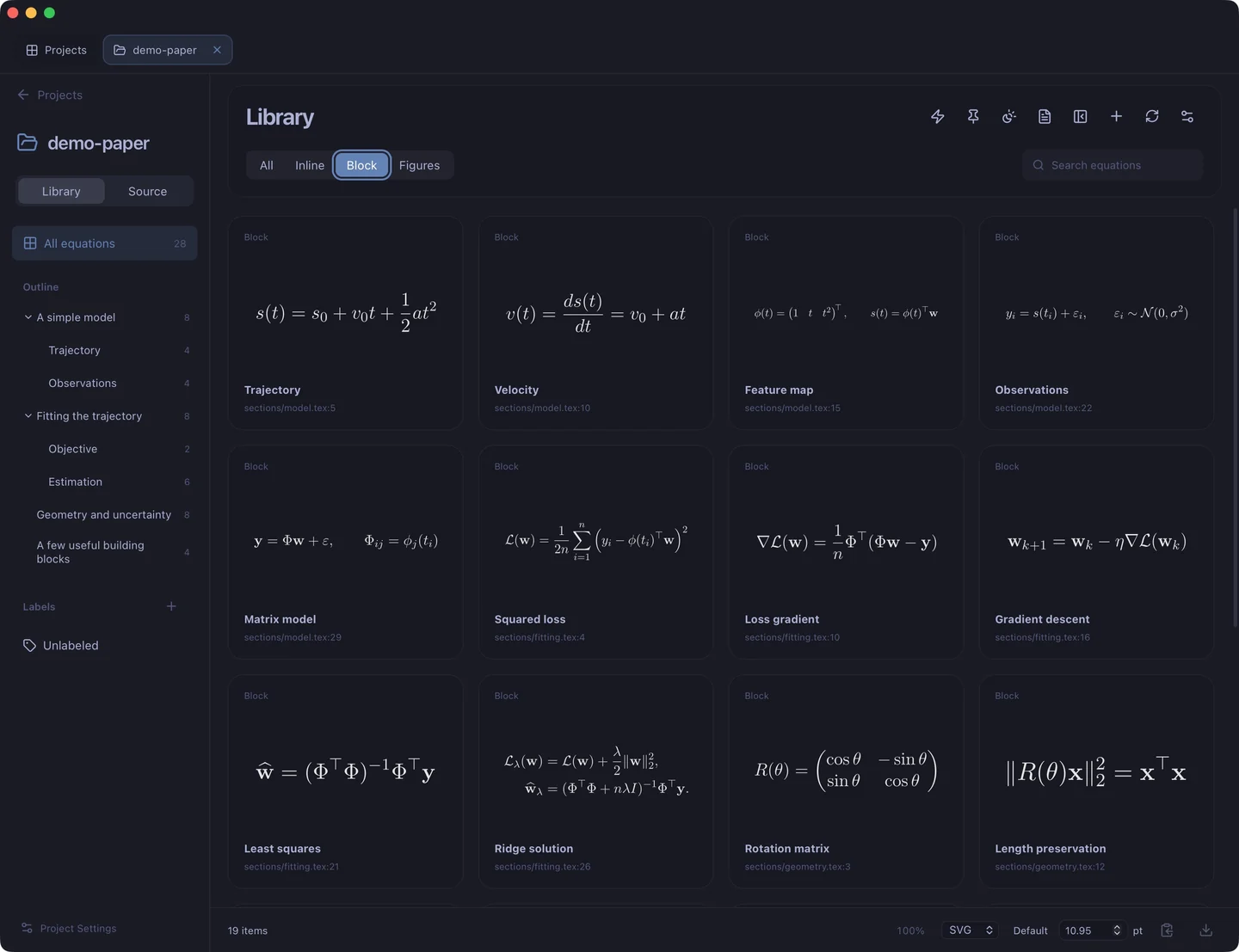
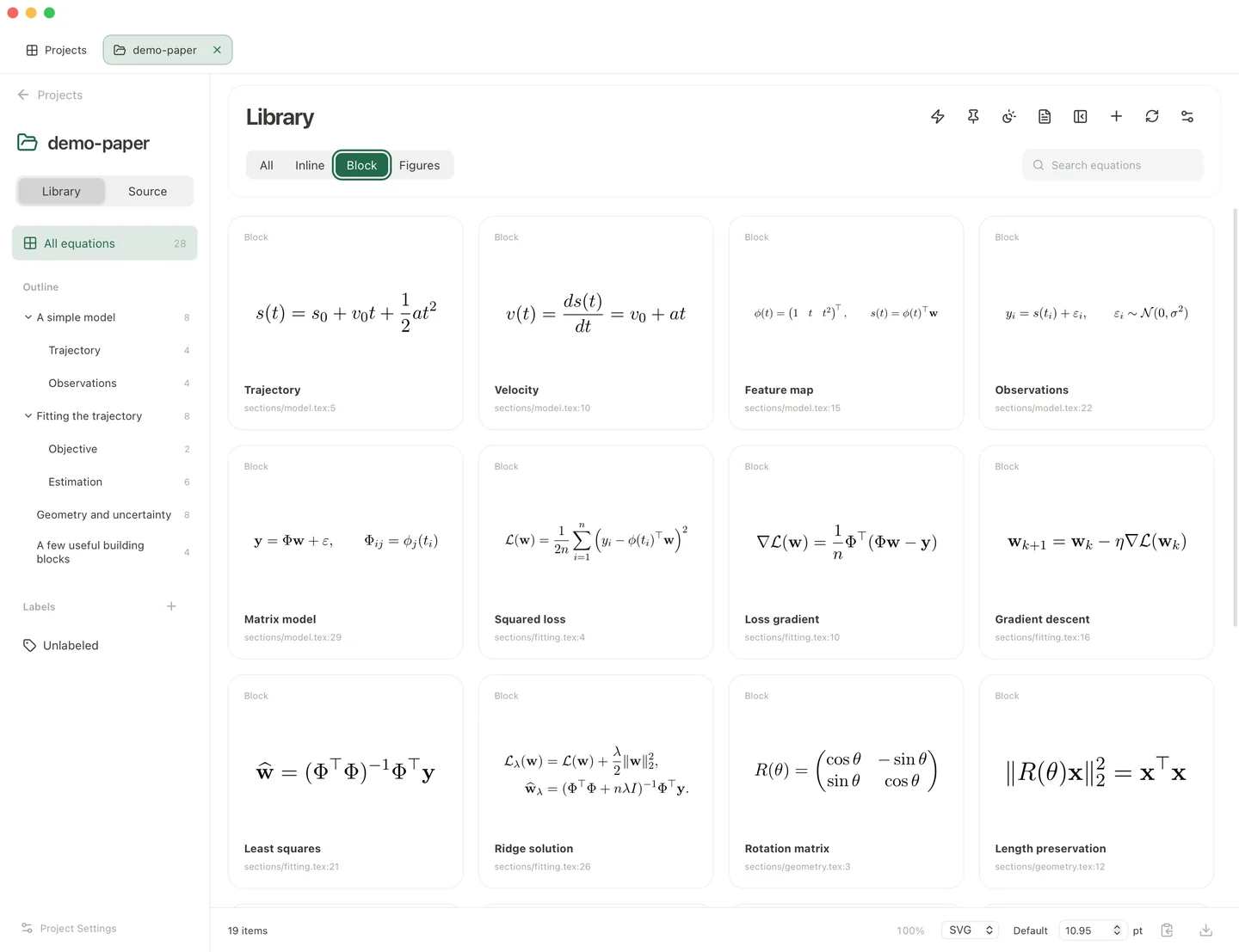
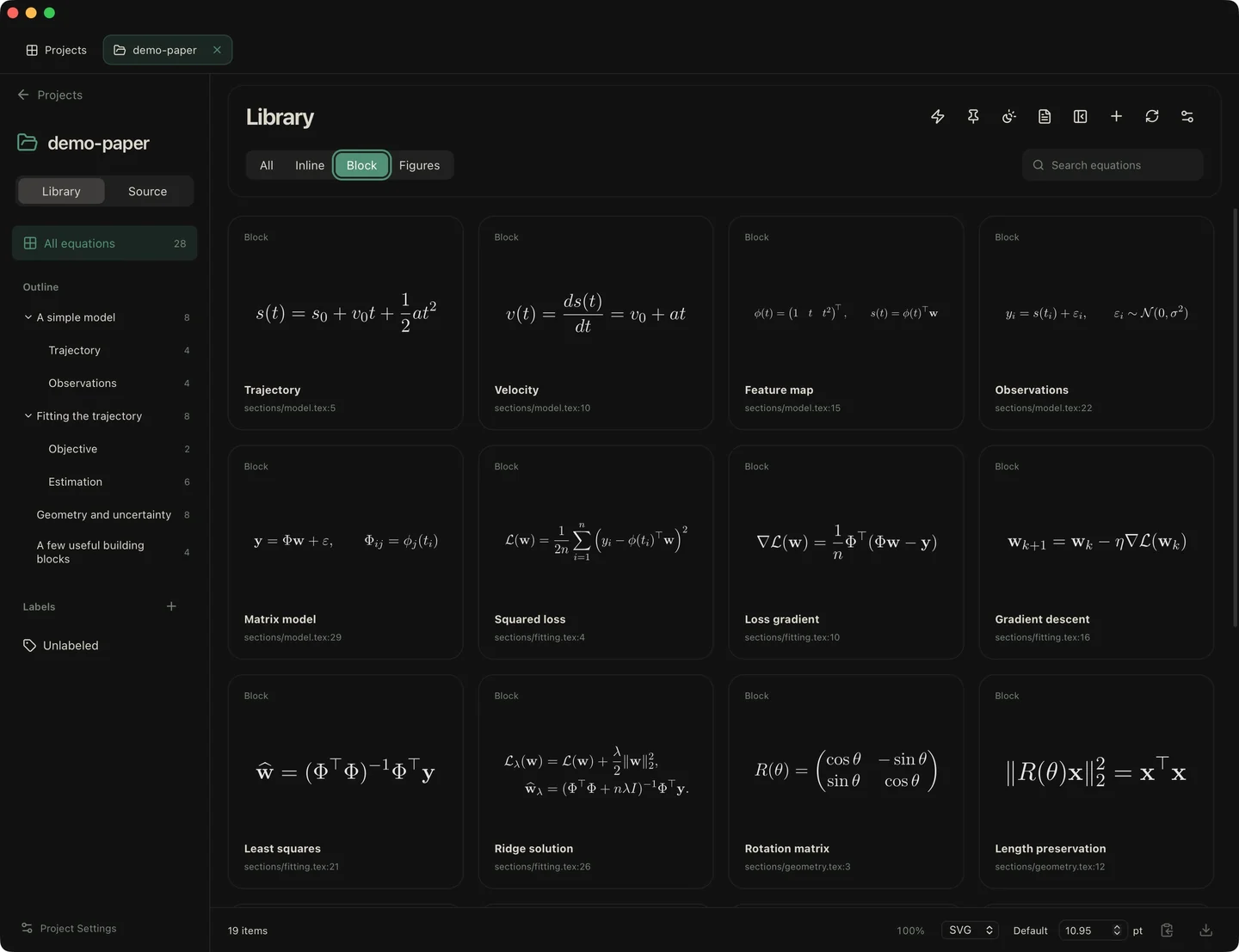
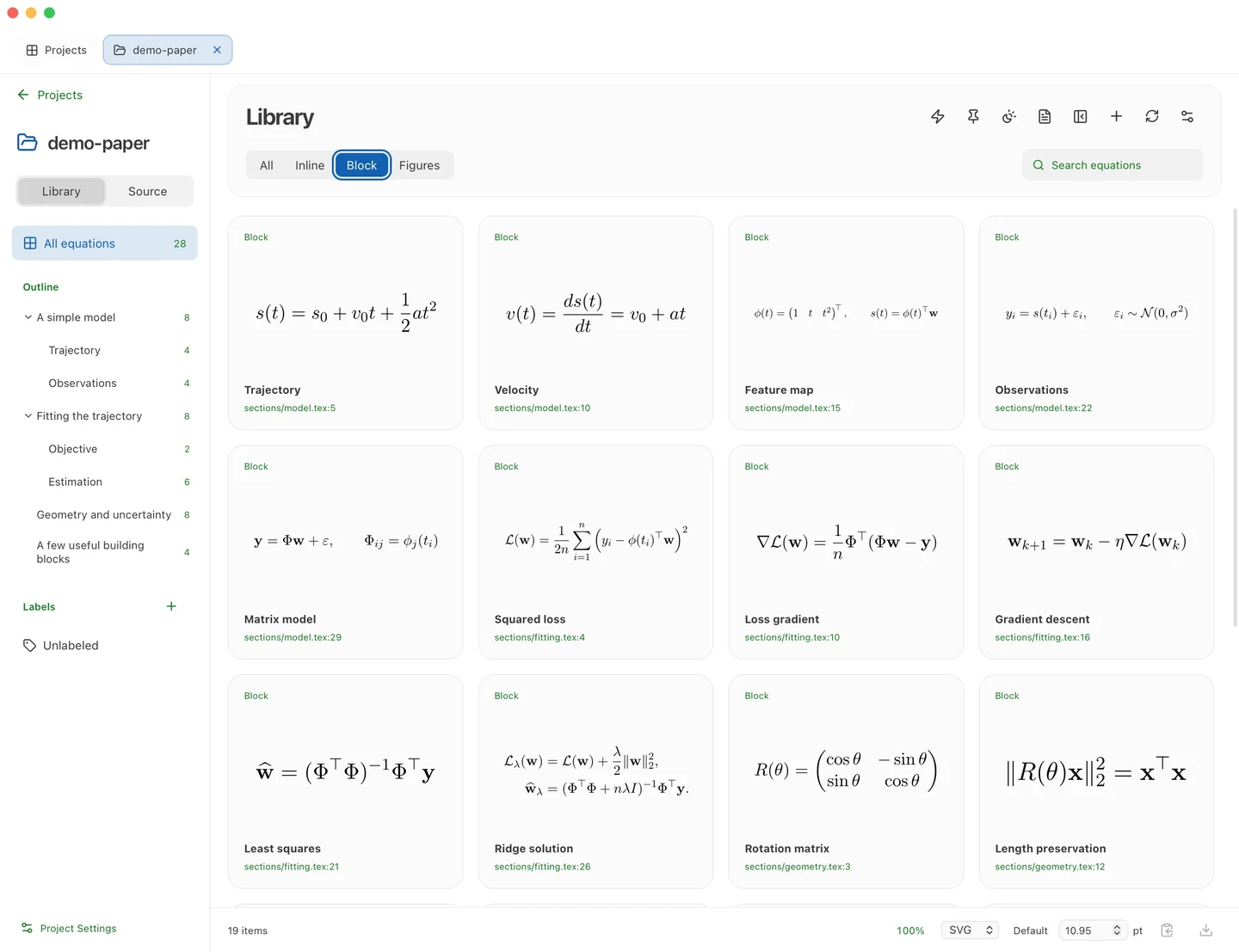
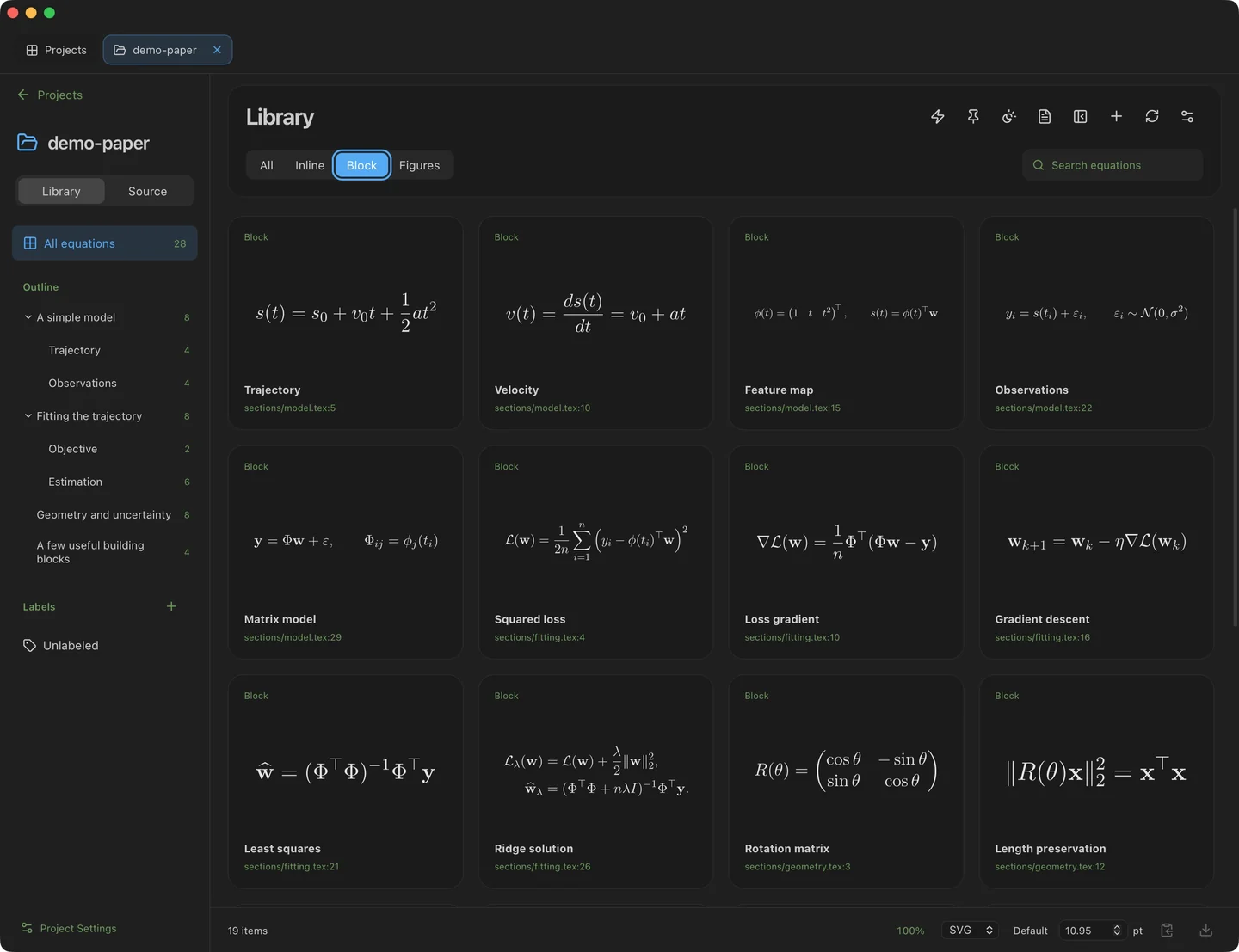
Compare the sixteen palettes below, each in light and dark mode. Select a preview to view it at full size.
Default
| Light | Dark |
|---|---|
 |  |
Atom One
| Light | Dark |
|---|---|
 | 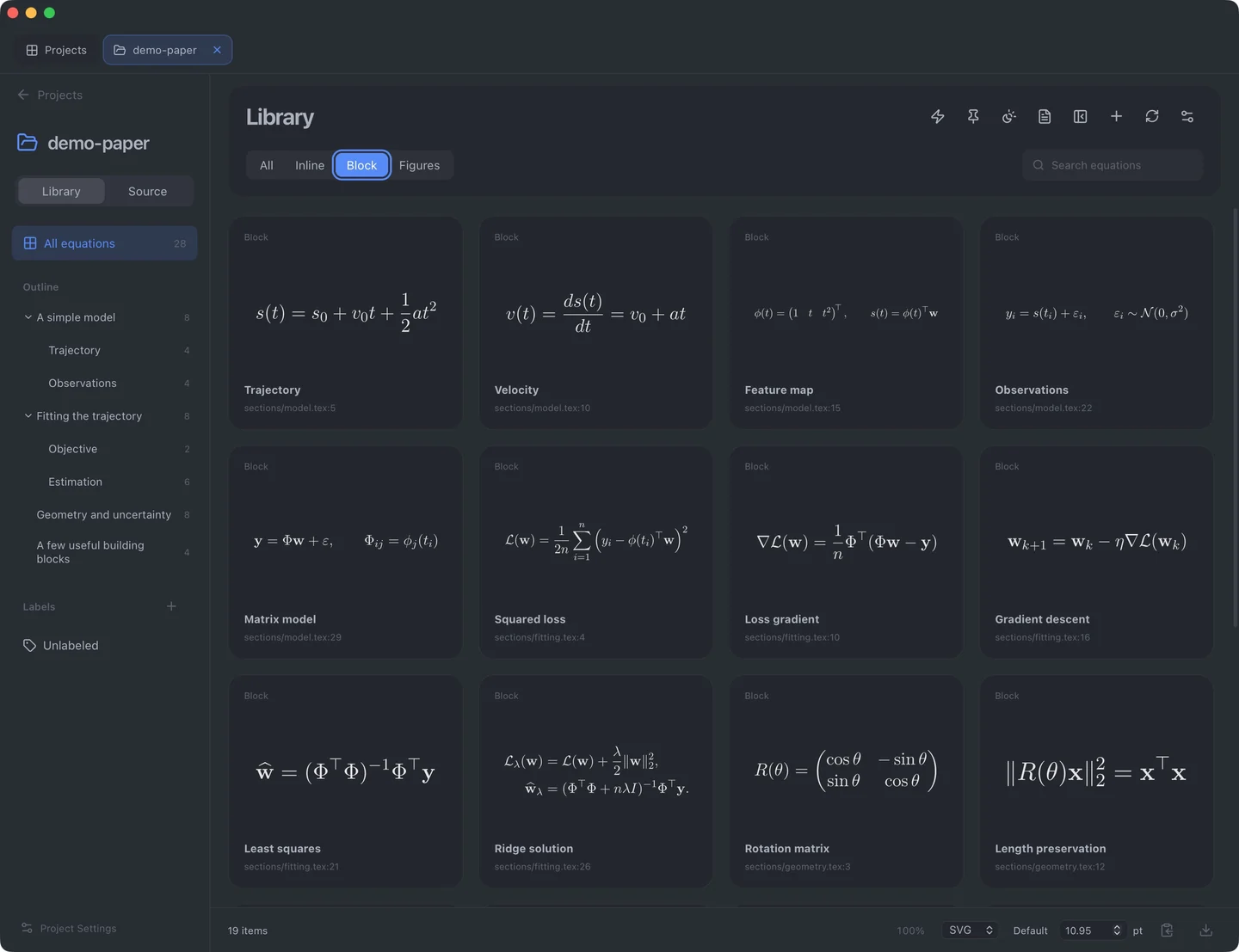 |
Ayu
| Light | Dark |
|---|---|
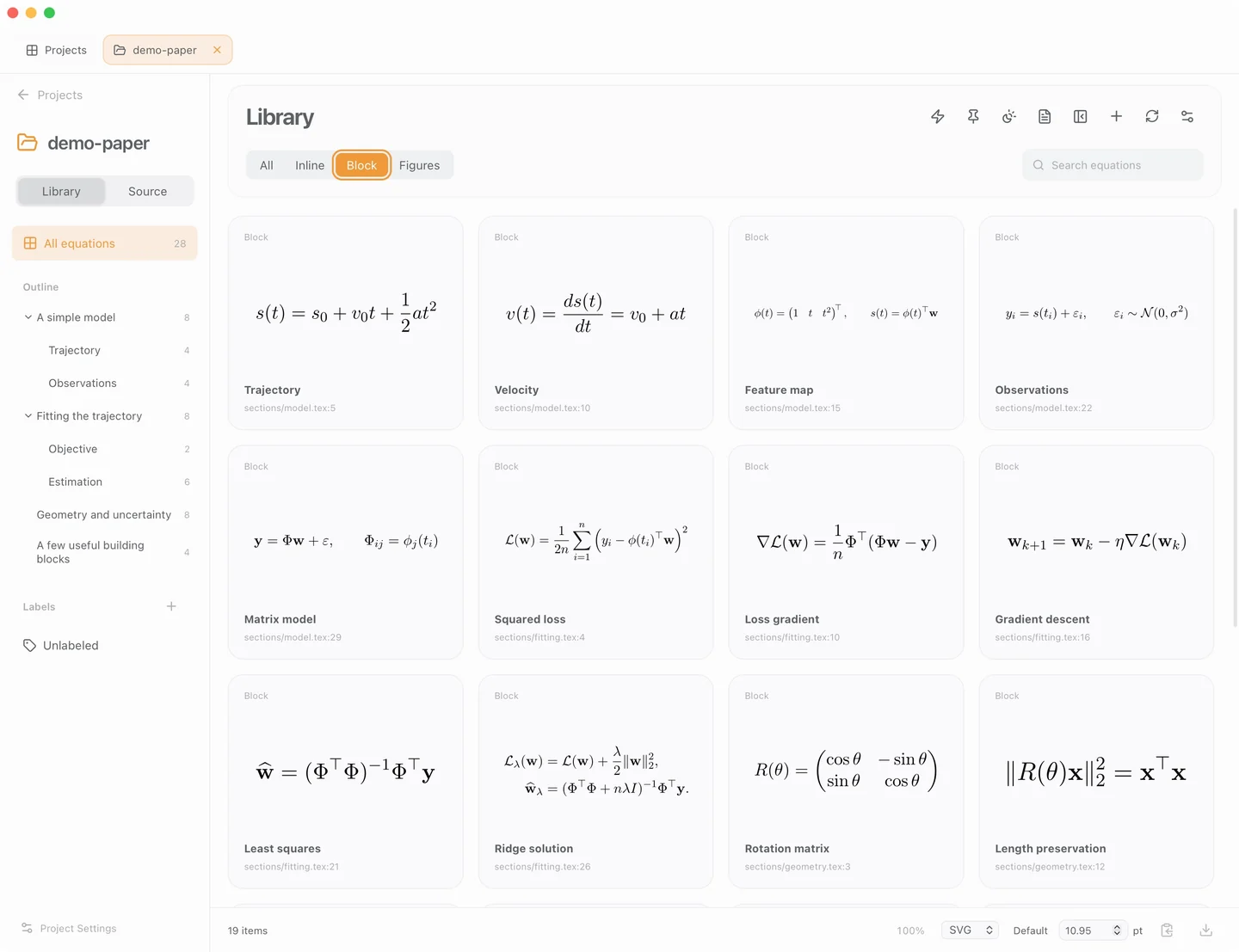 | 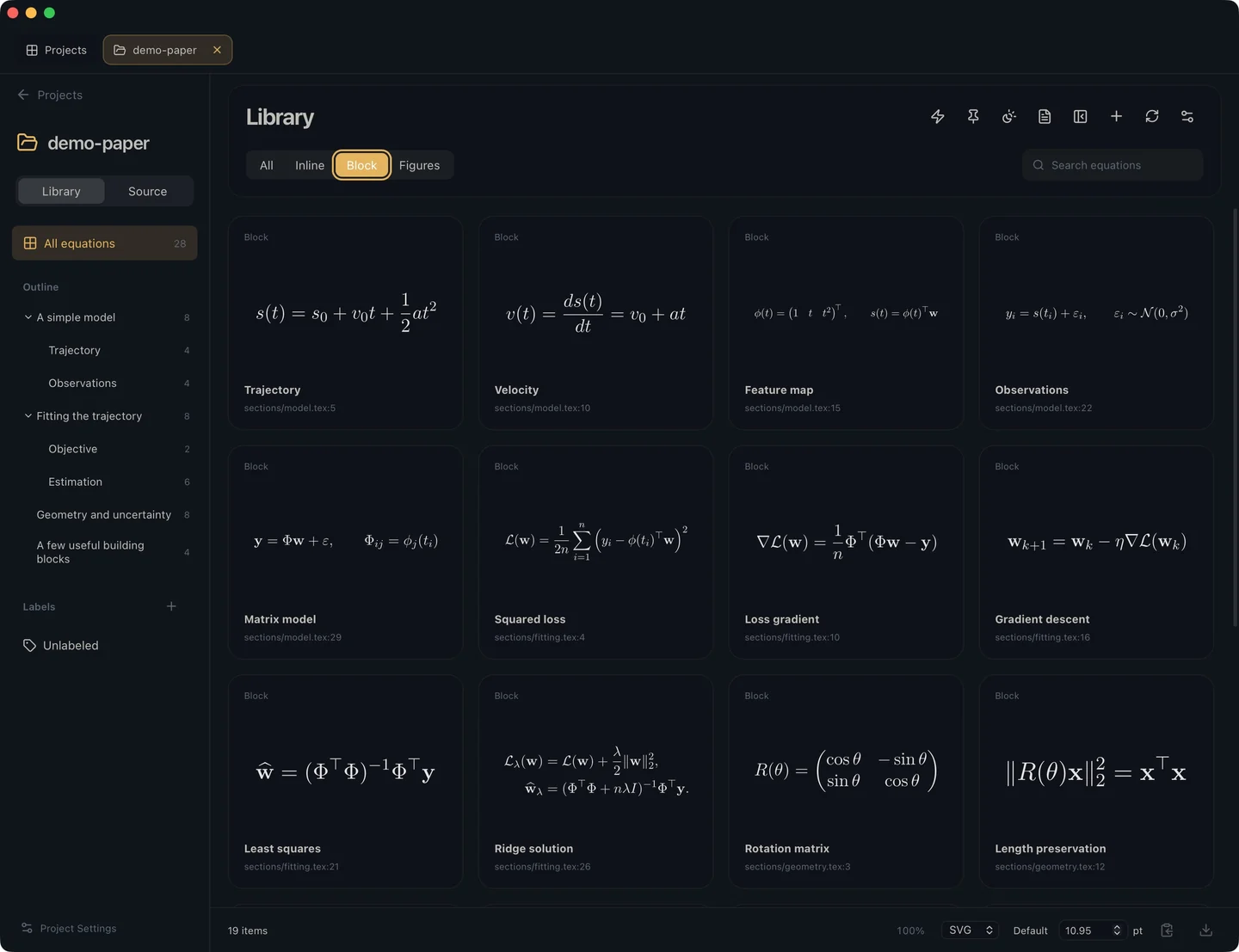 |
Catppuccin
| Light | Dark |
|---|---|
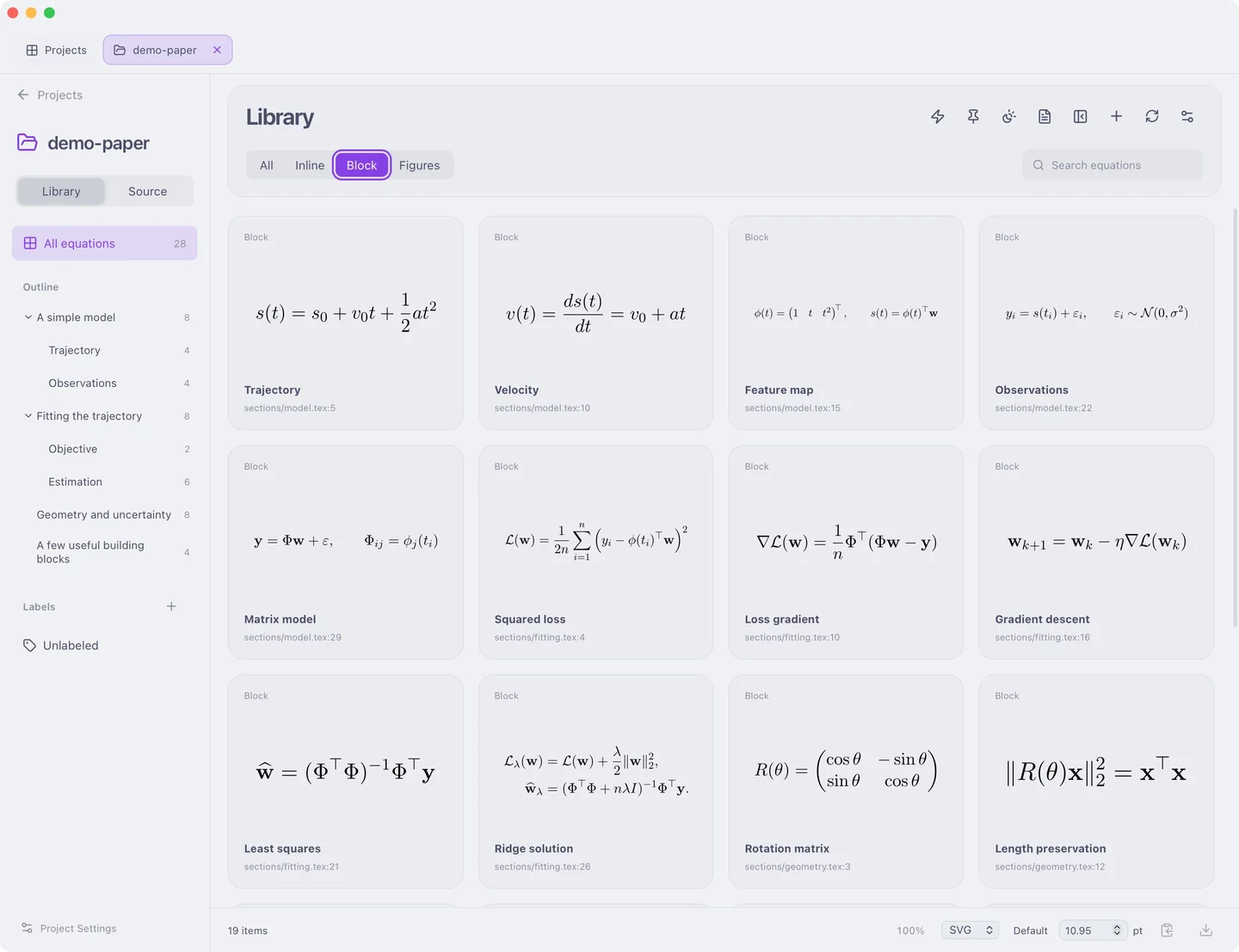 |  |
Everforest
| Light | Dark |
|---|---|
 |  |
GitHub
| Light | Dark |
|---|---|
 | 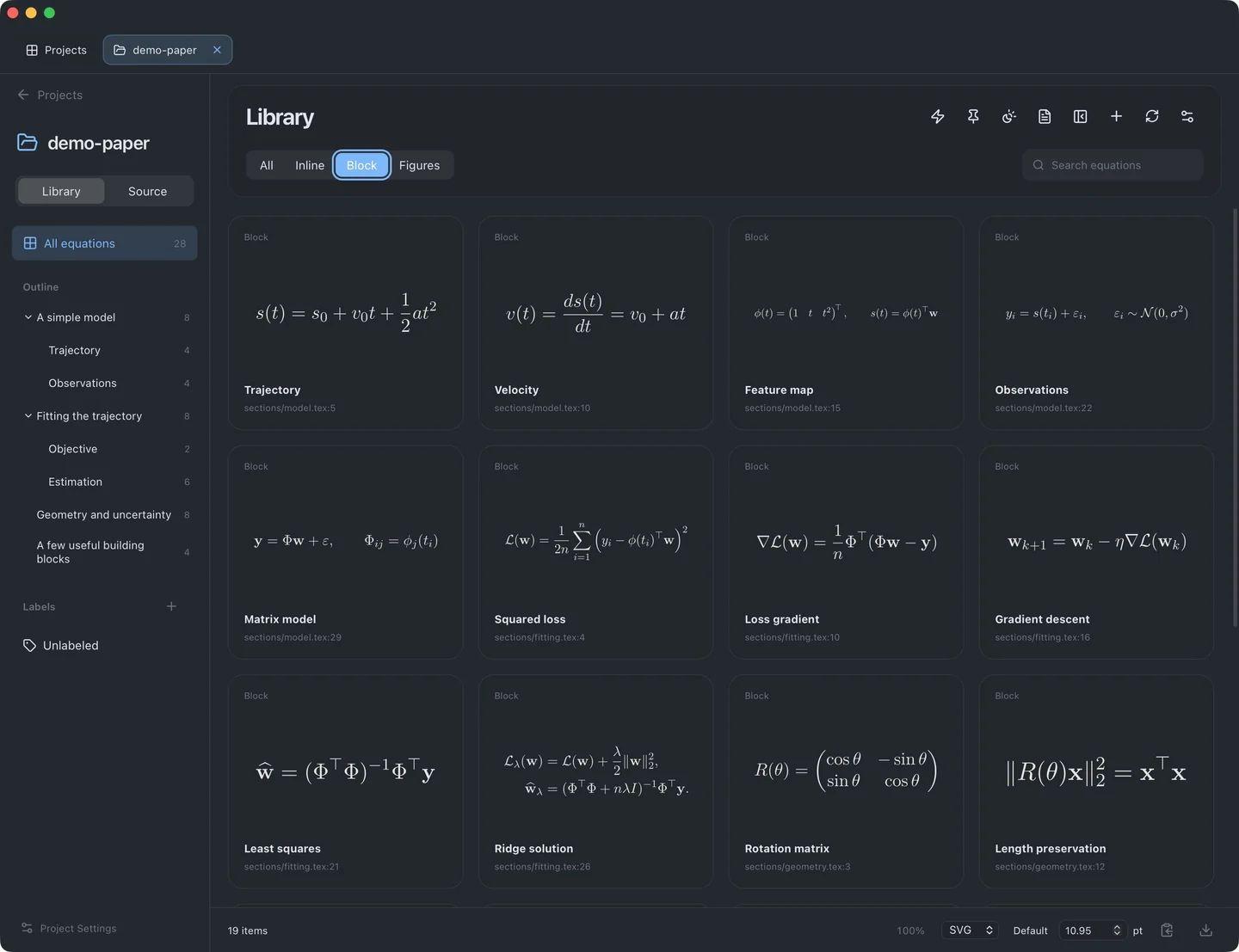 |
Gruvbox Material
| Light | Dark |
|---|---|
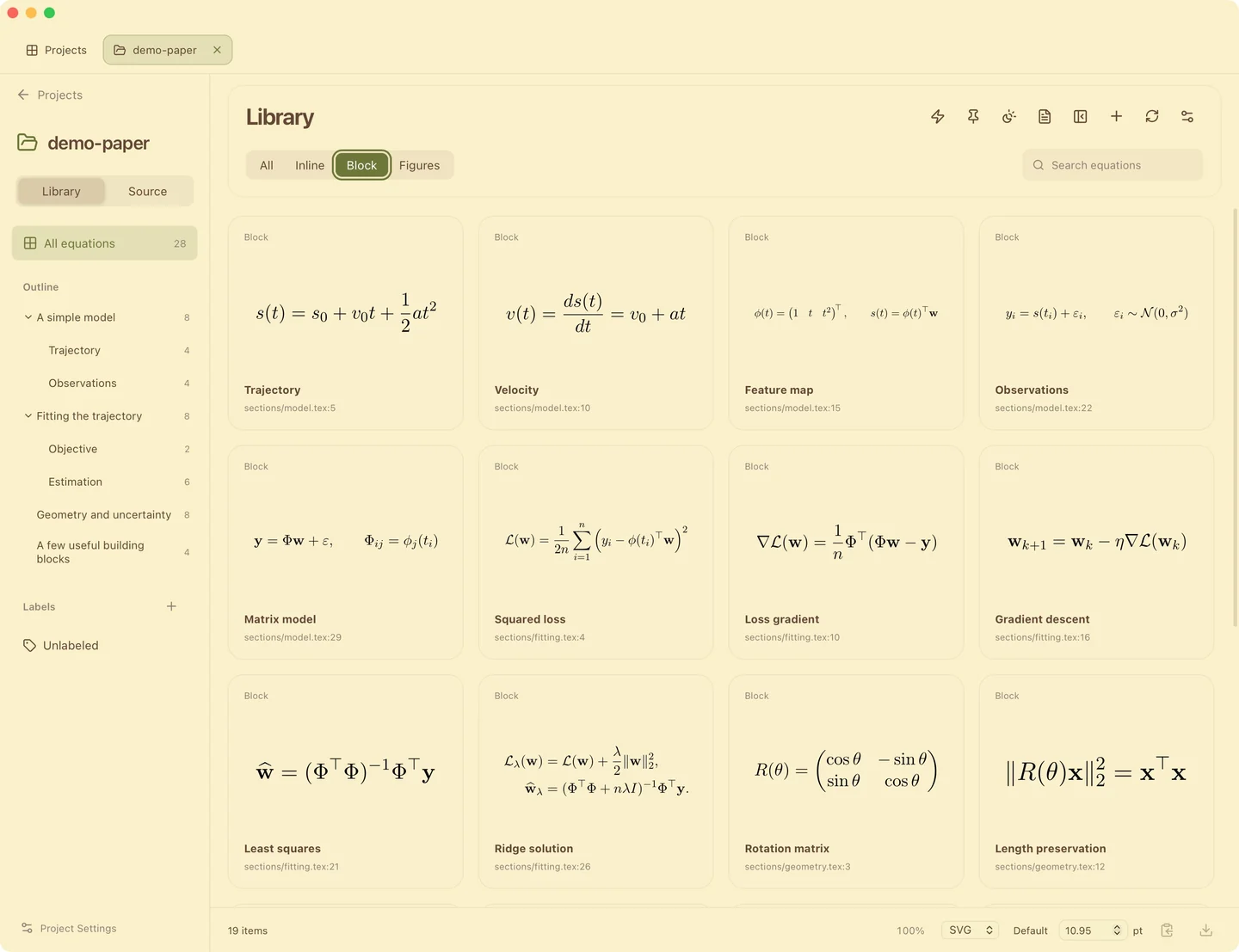 | 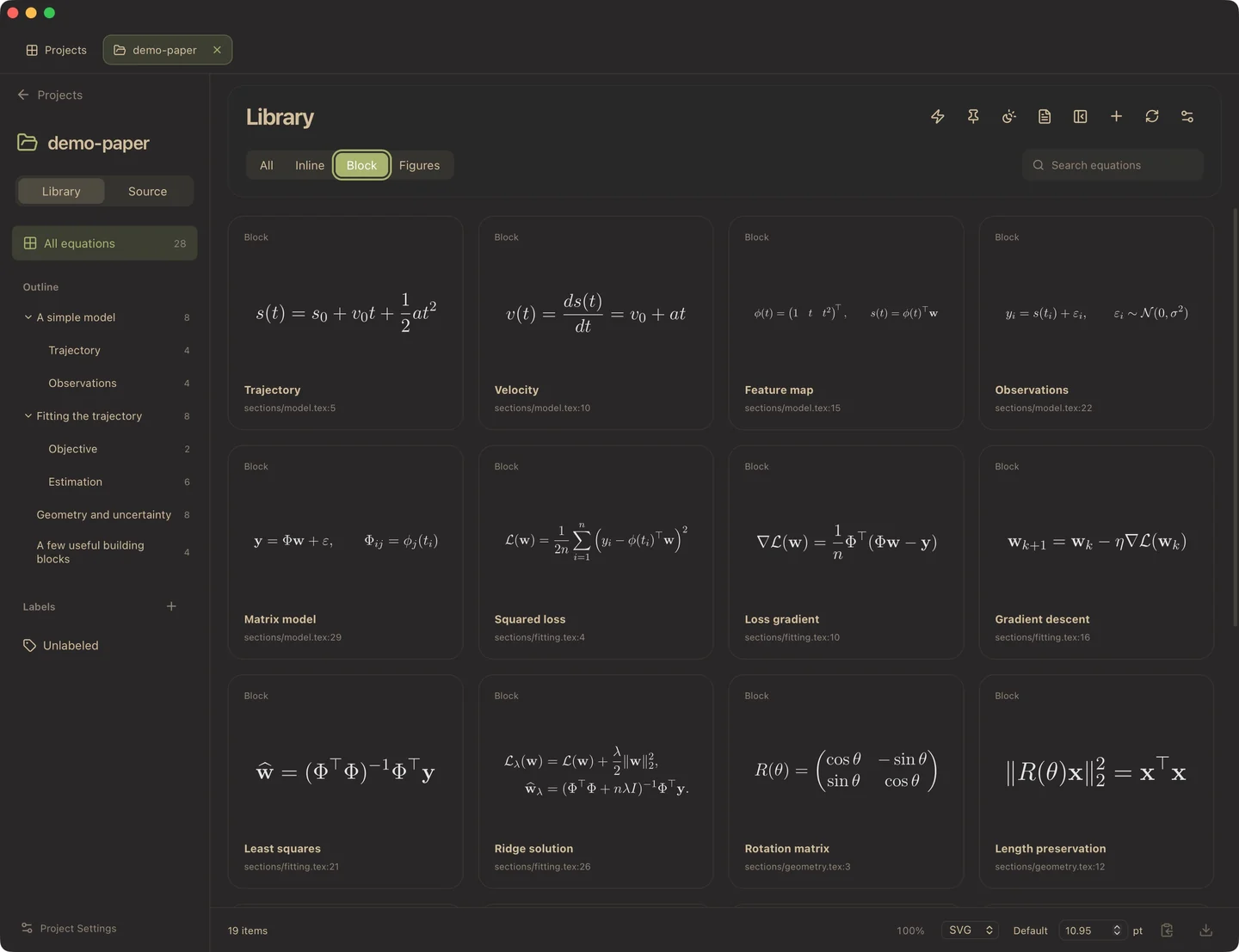 |
Horizon
| Light | Dark |
|---|---|
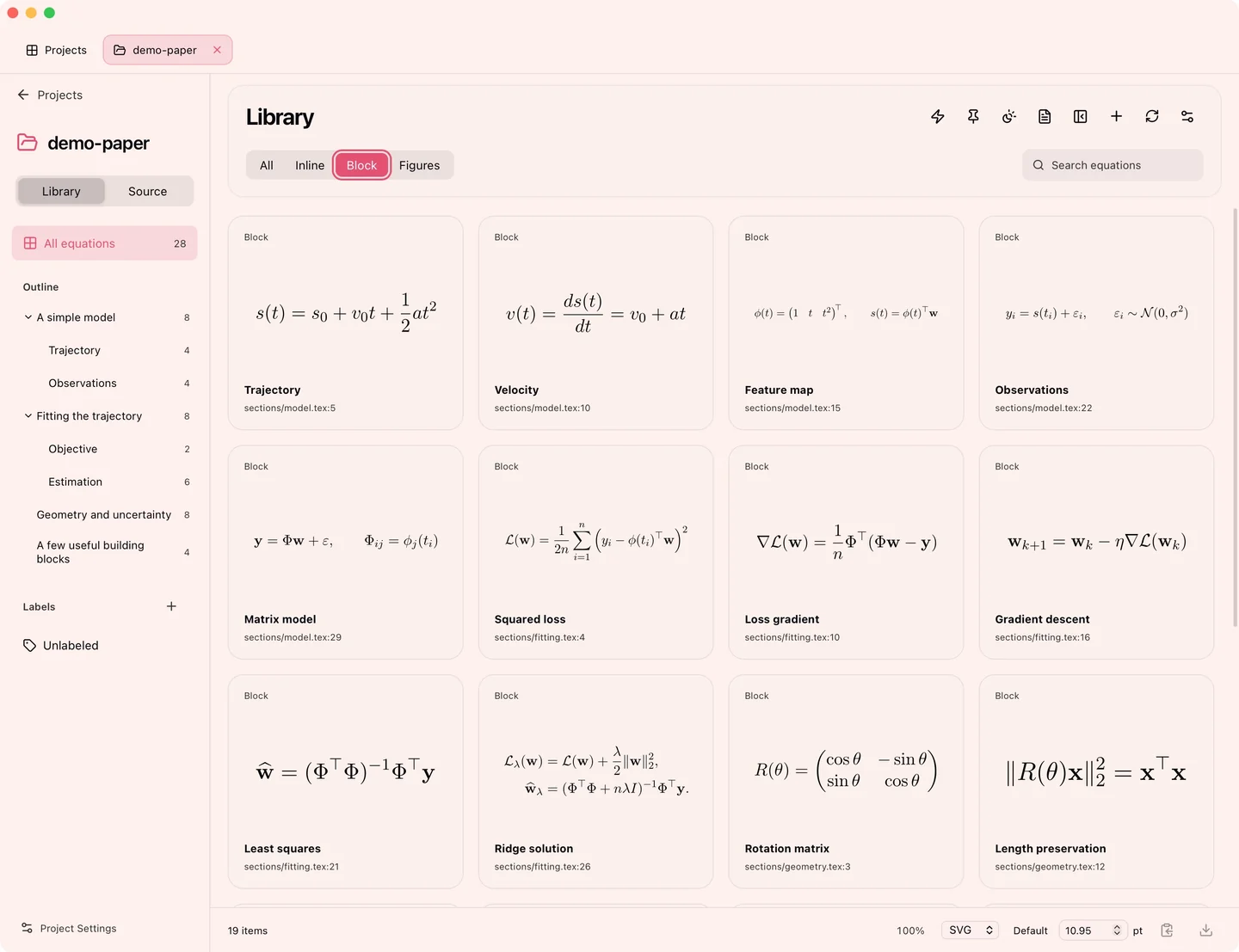 | 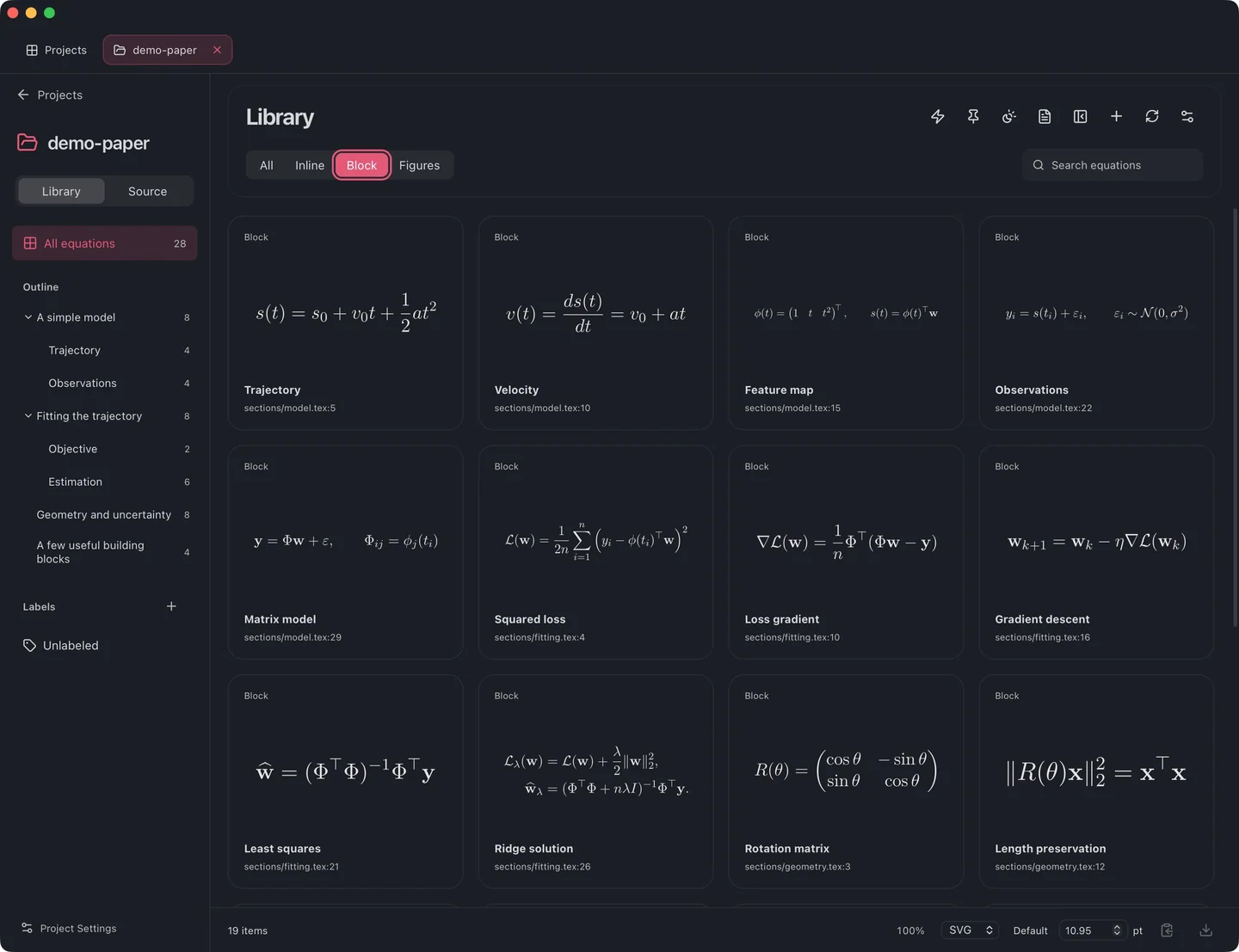 |
Min
| Light | Dark |
|---|---|
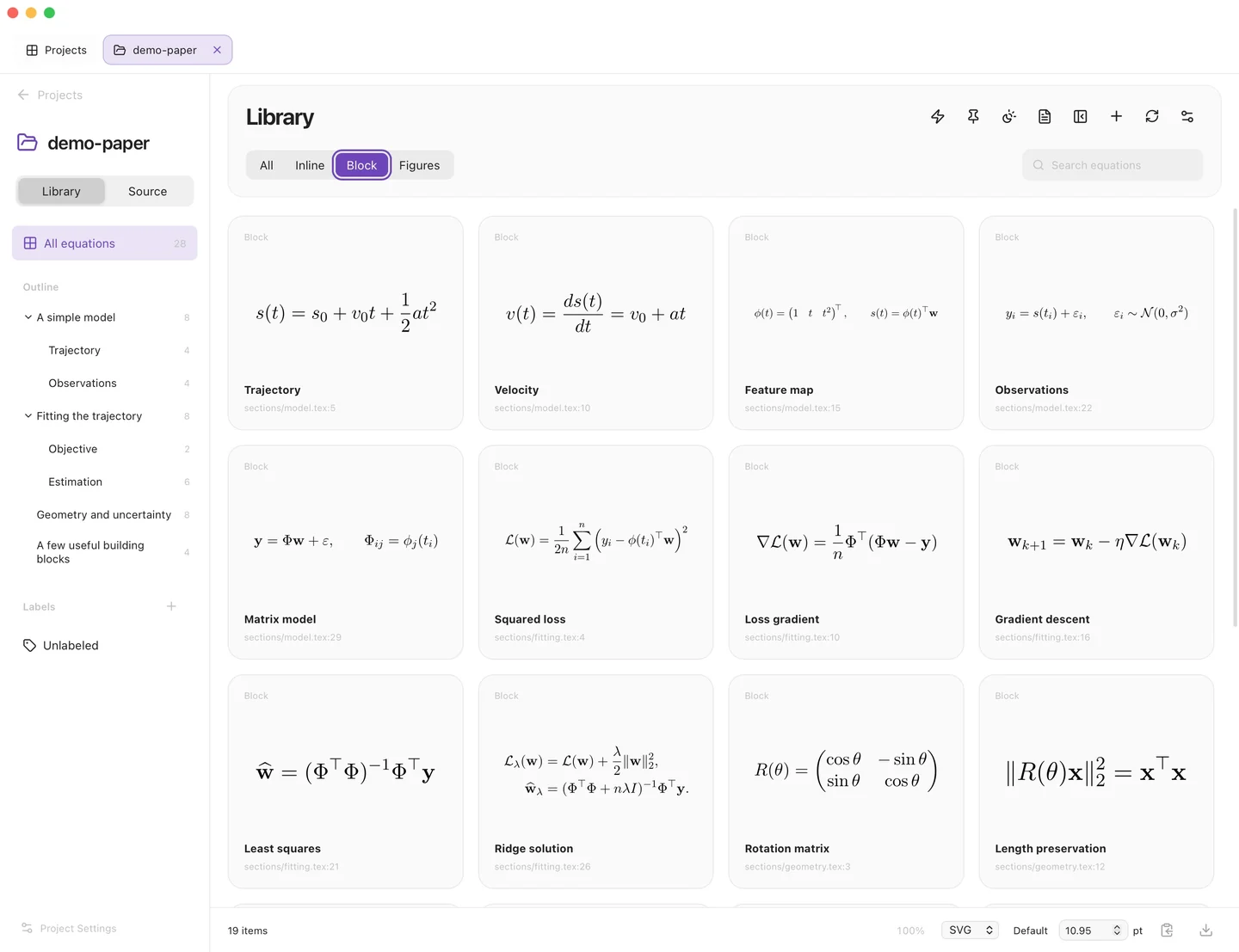 | 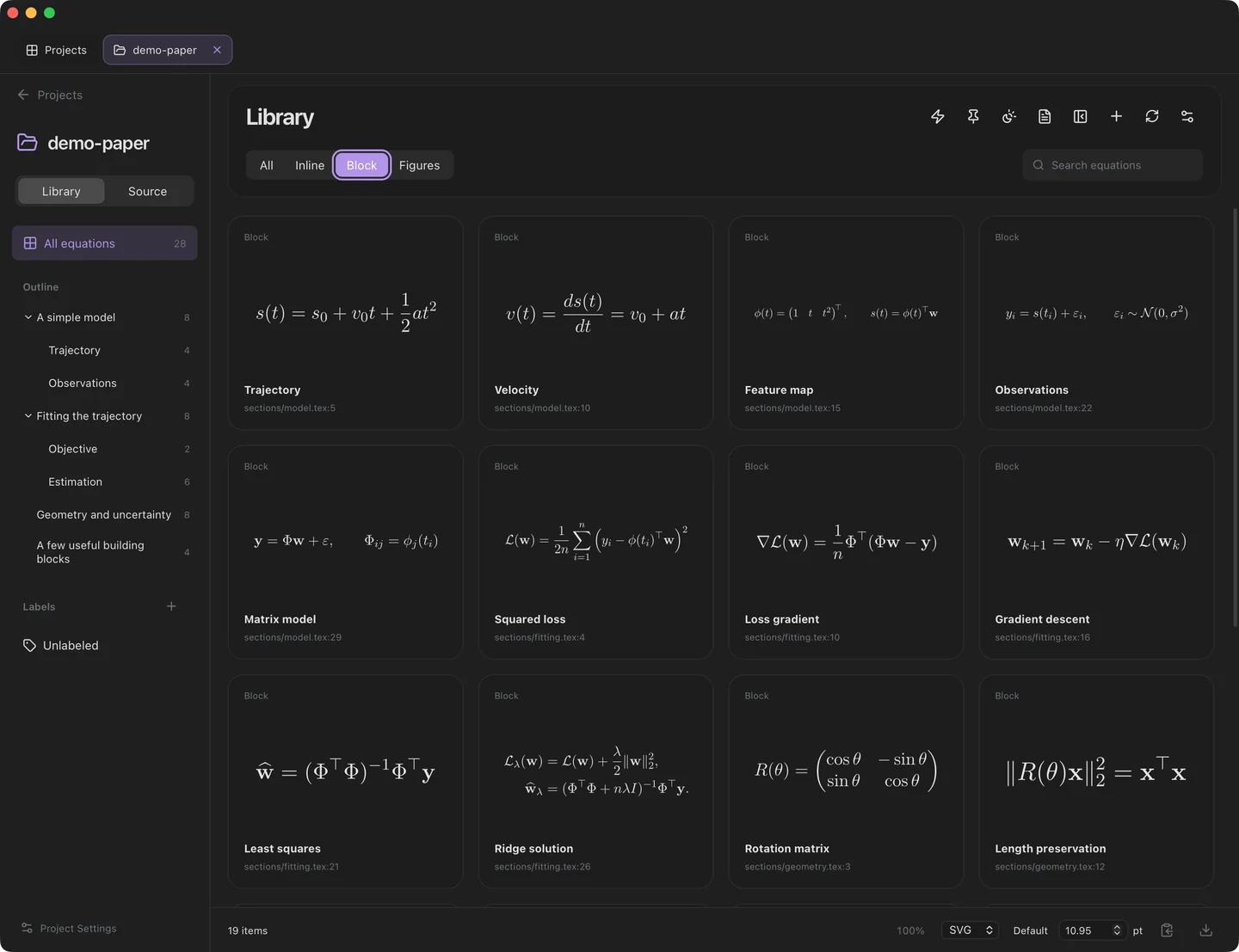 |
Night Owl
| Light | Dark |
|---|---|
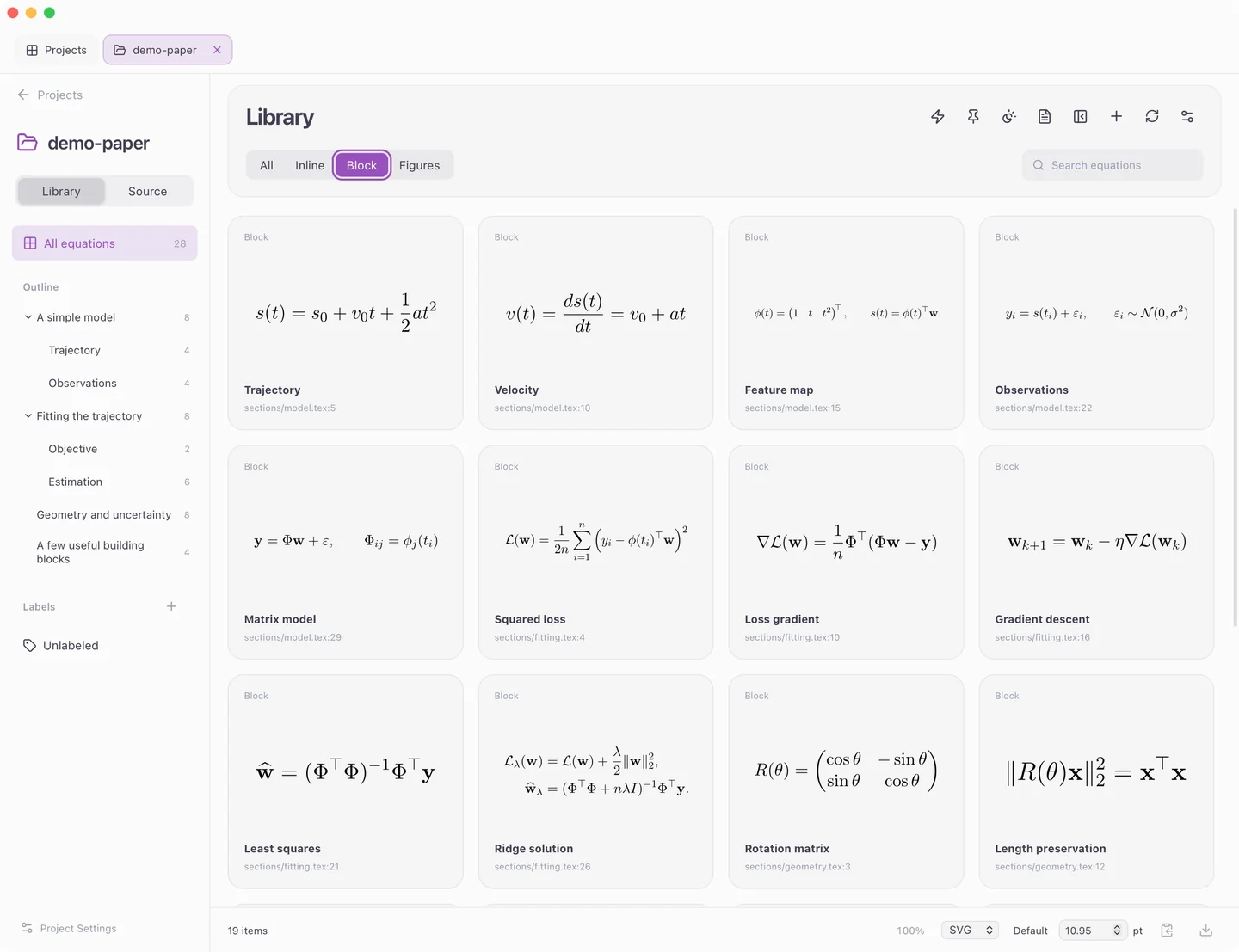 | 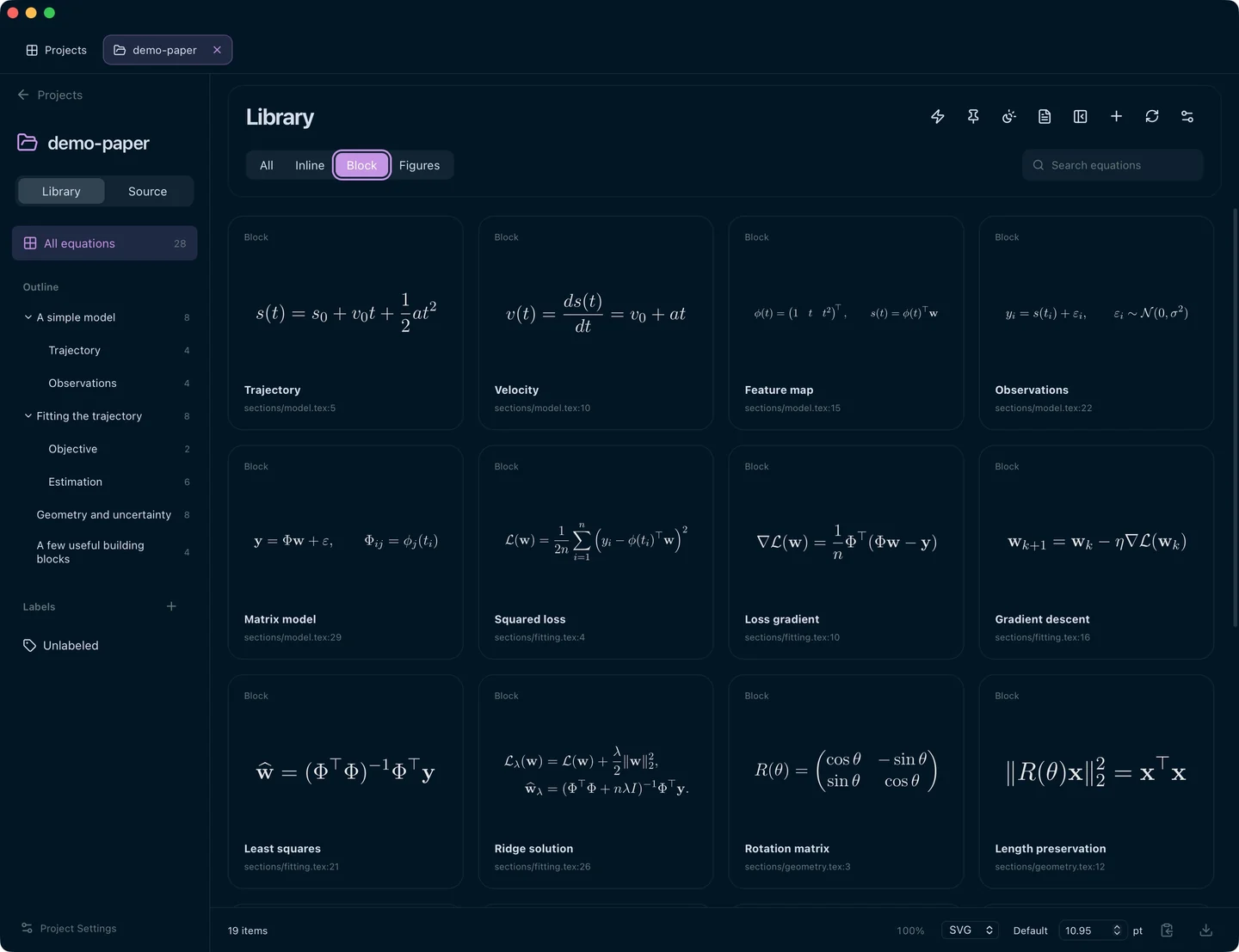 |
Noctis
| Light | Dark |
|---|---|
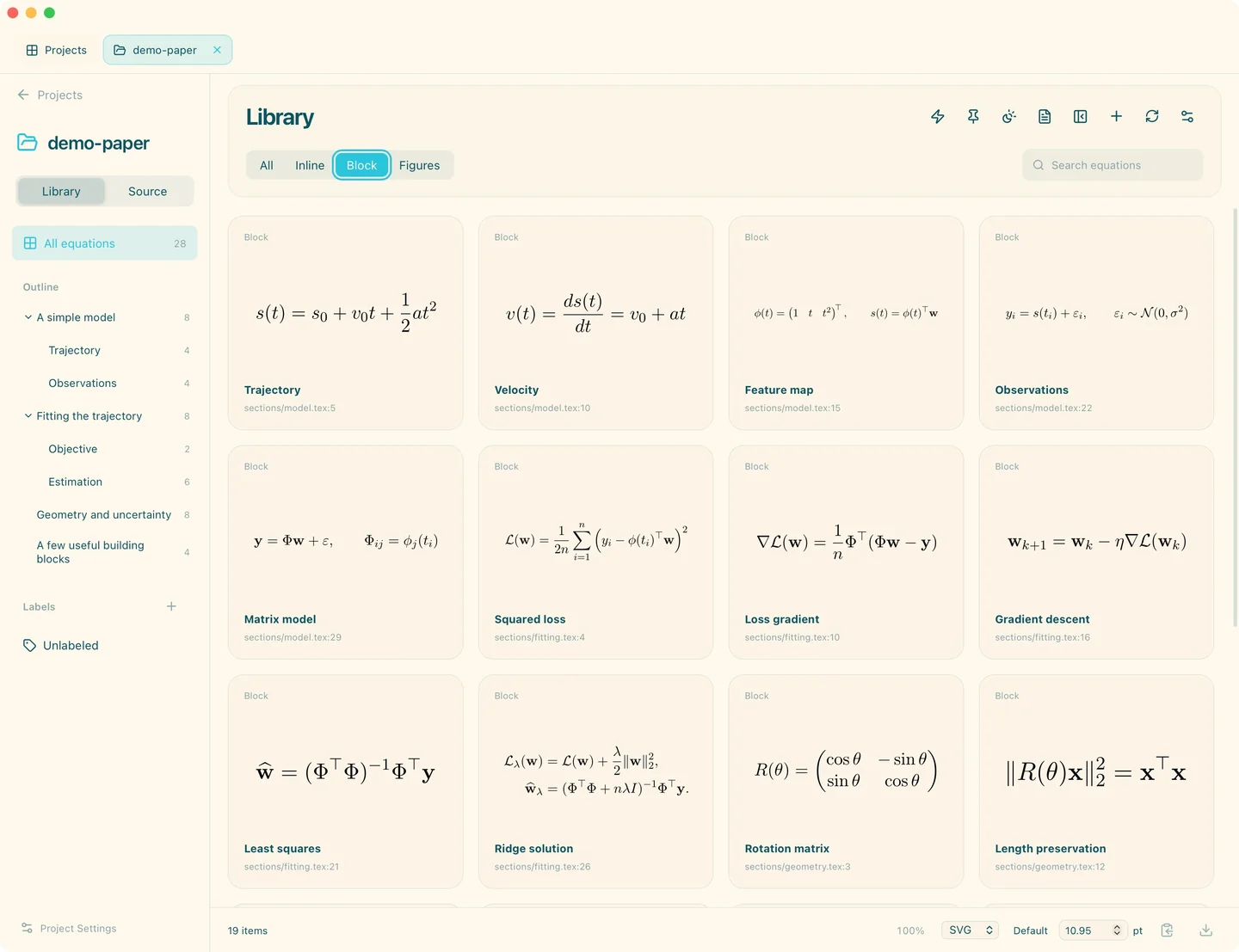 | 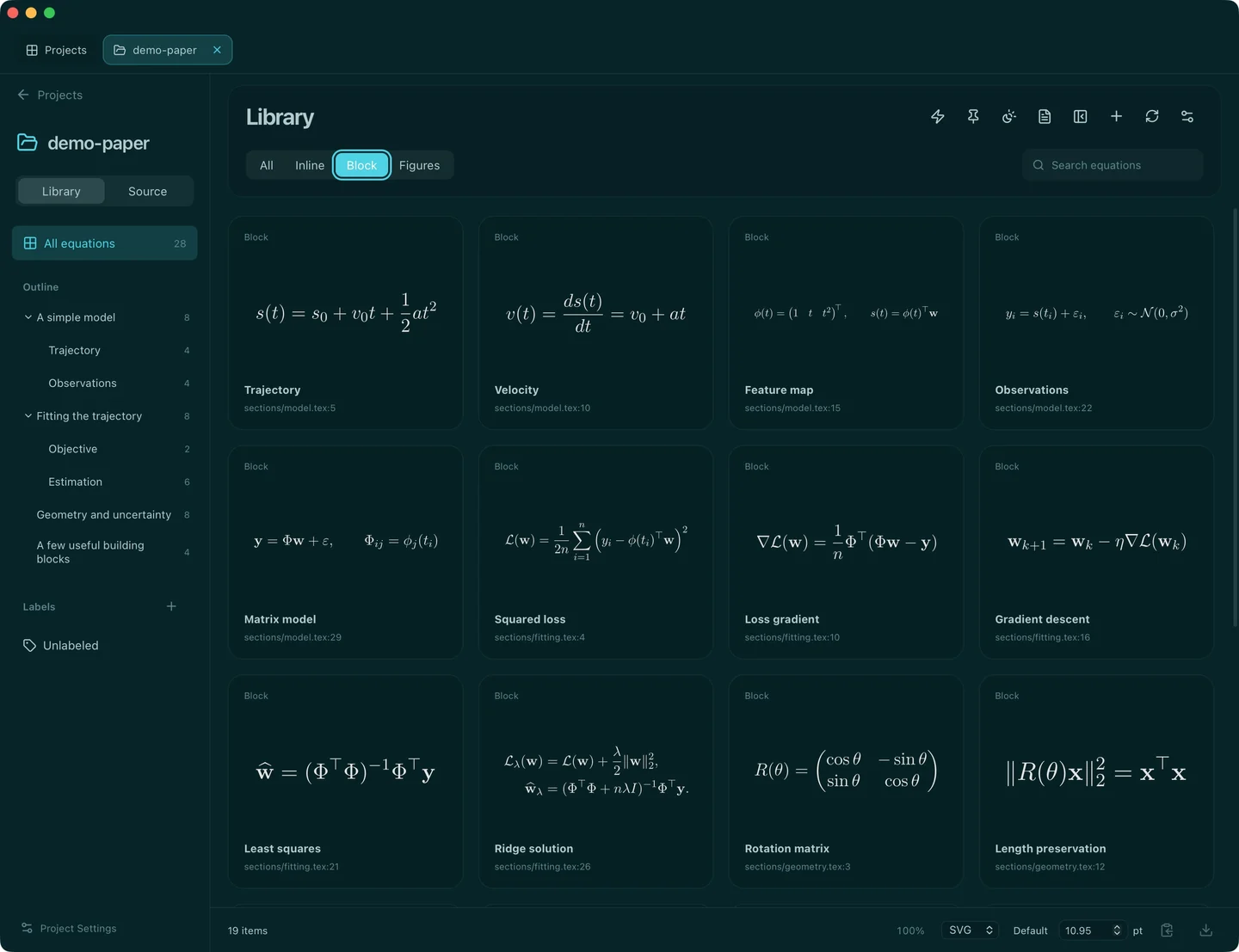 |
Rosé Pine
| Light | Dark |
|---|---|
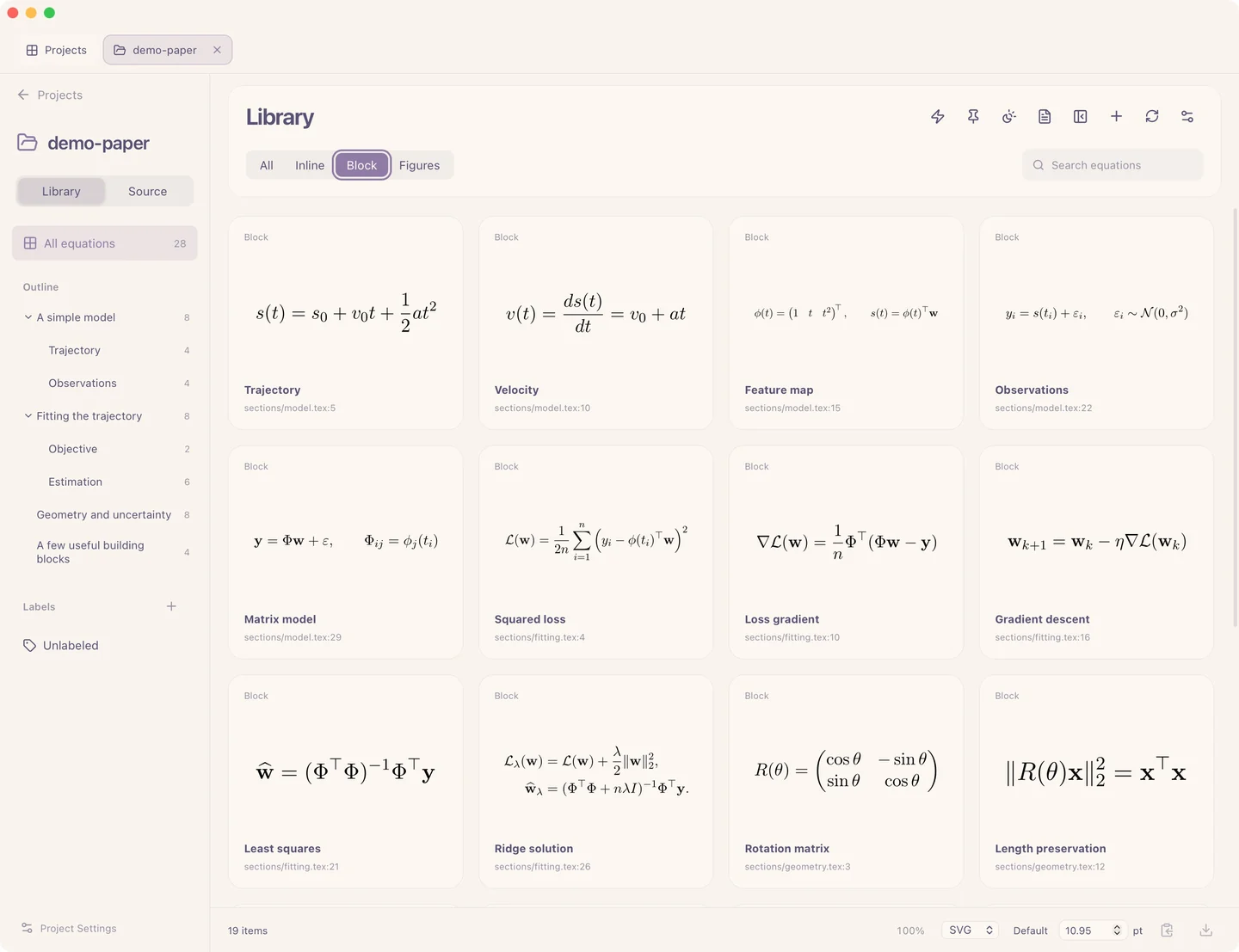 | 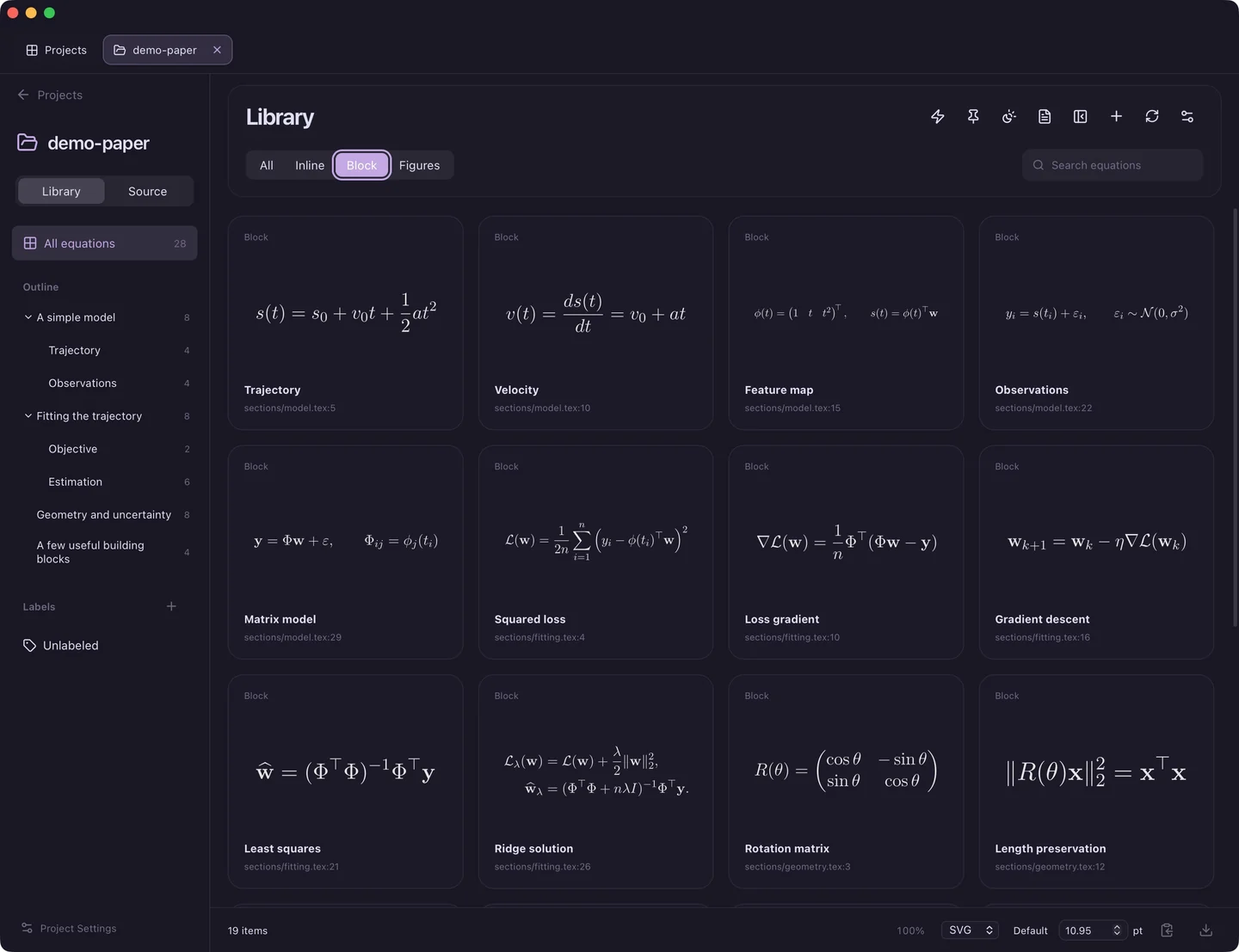 |
Solarized
| Light | Dark |
|---|---|
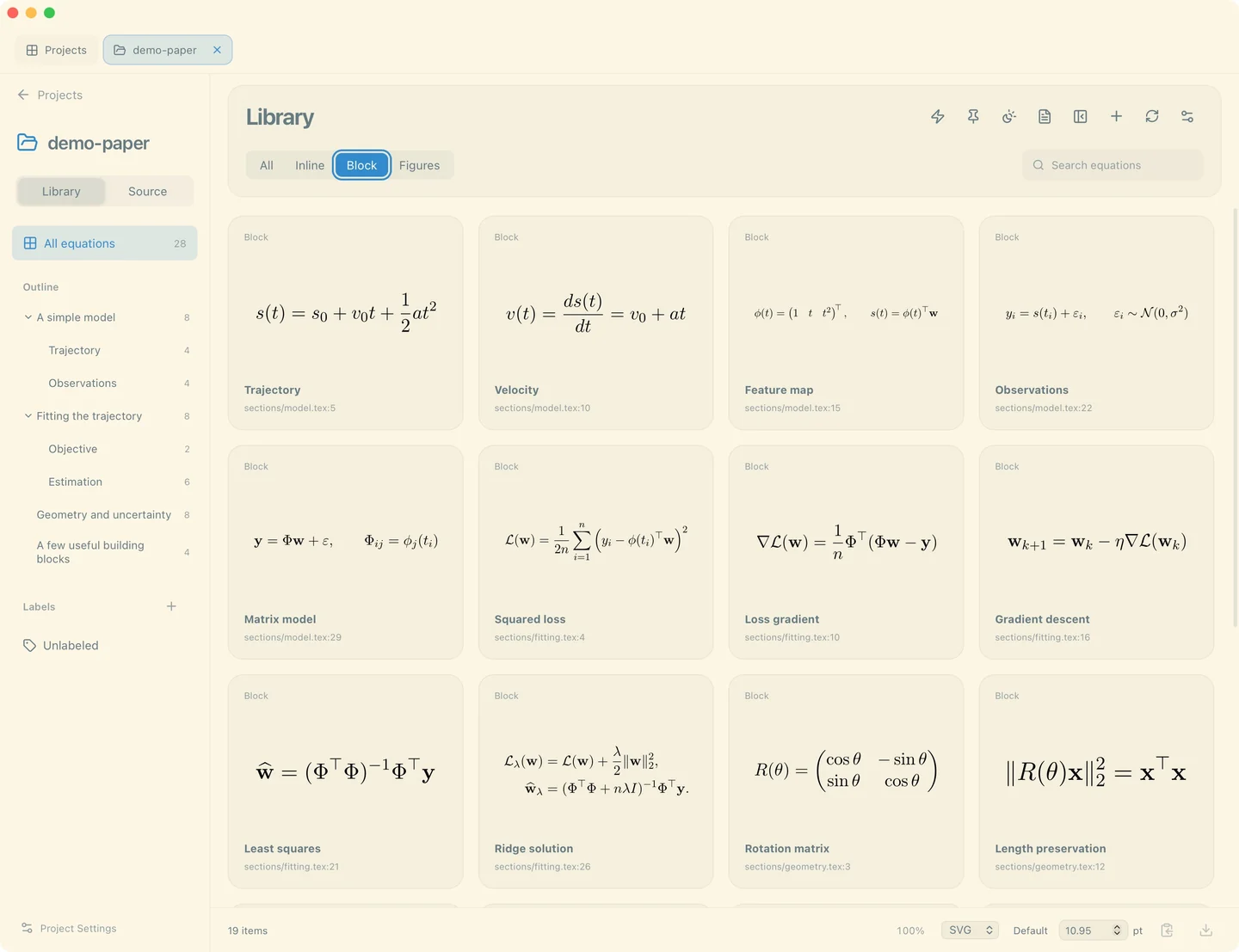 | 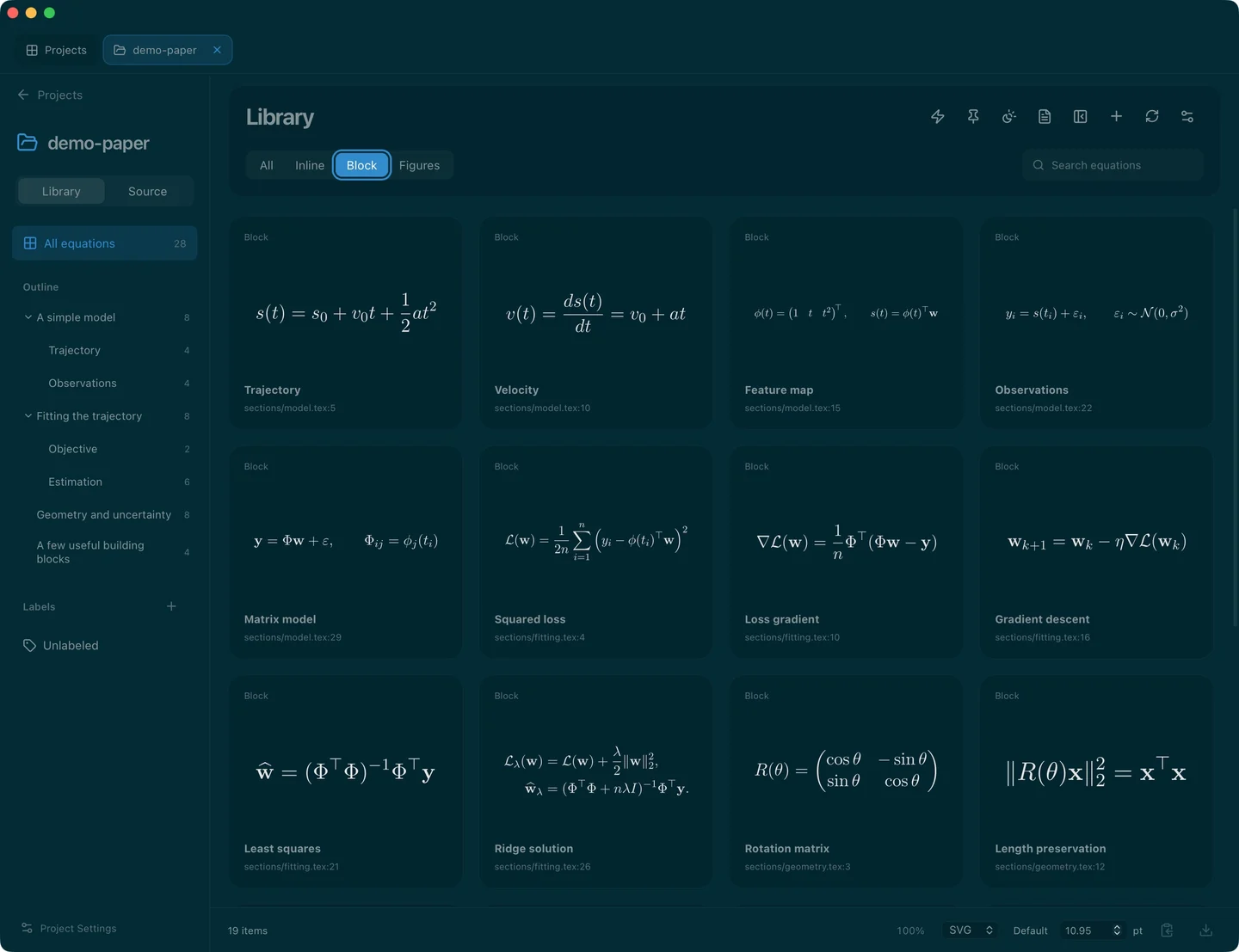 |
Tokyo Night
| Light | Dark |
|---|---|
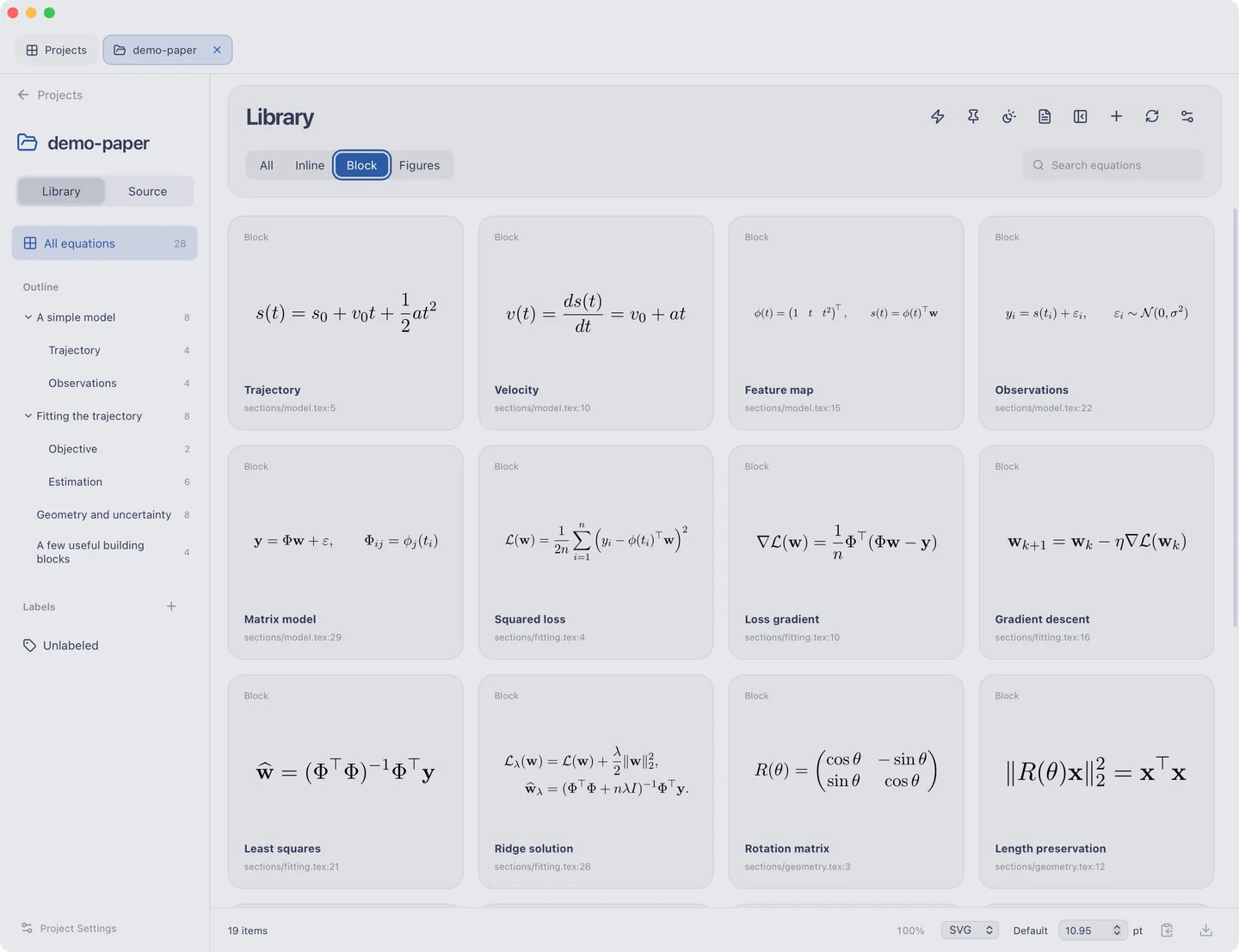 |  |
Vitesse
| Light | Dark |
|---|---|
 |  |
VS Code Modern
| Light | Dark |
|---|---|
 |  |